







Select your country or region


What Is an Interactive Flat Panel & How Does It Work?
If you've walked into a modern meeting room or classroom recently, you've probably seen one: a large touchscreen display that replaces the projector, whiteboard, and speakers all at once. That's an interactive flat panel (IFP), and while it looks like a giant tablet, a fair bit happens behind the screen to make it work. Here's a clear breakdown of what it actually is and how it functions.
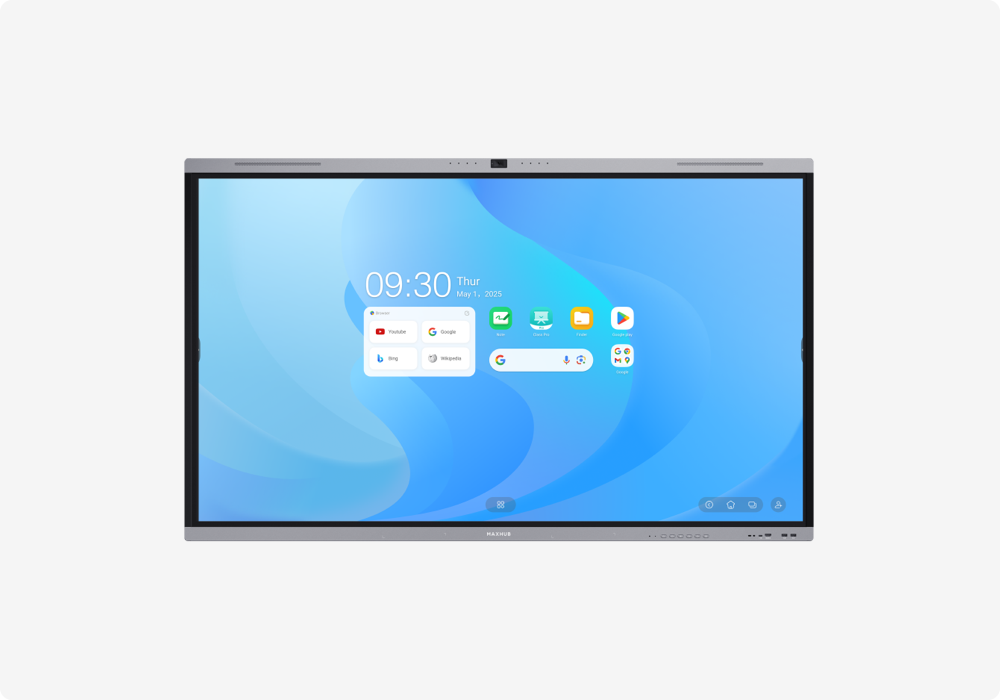
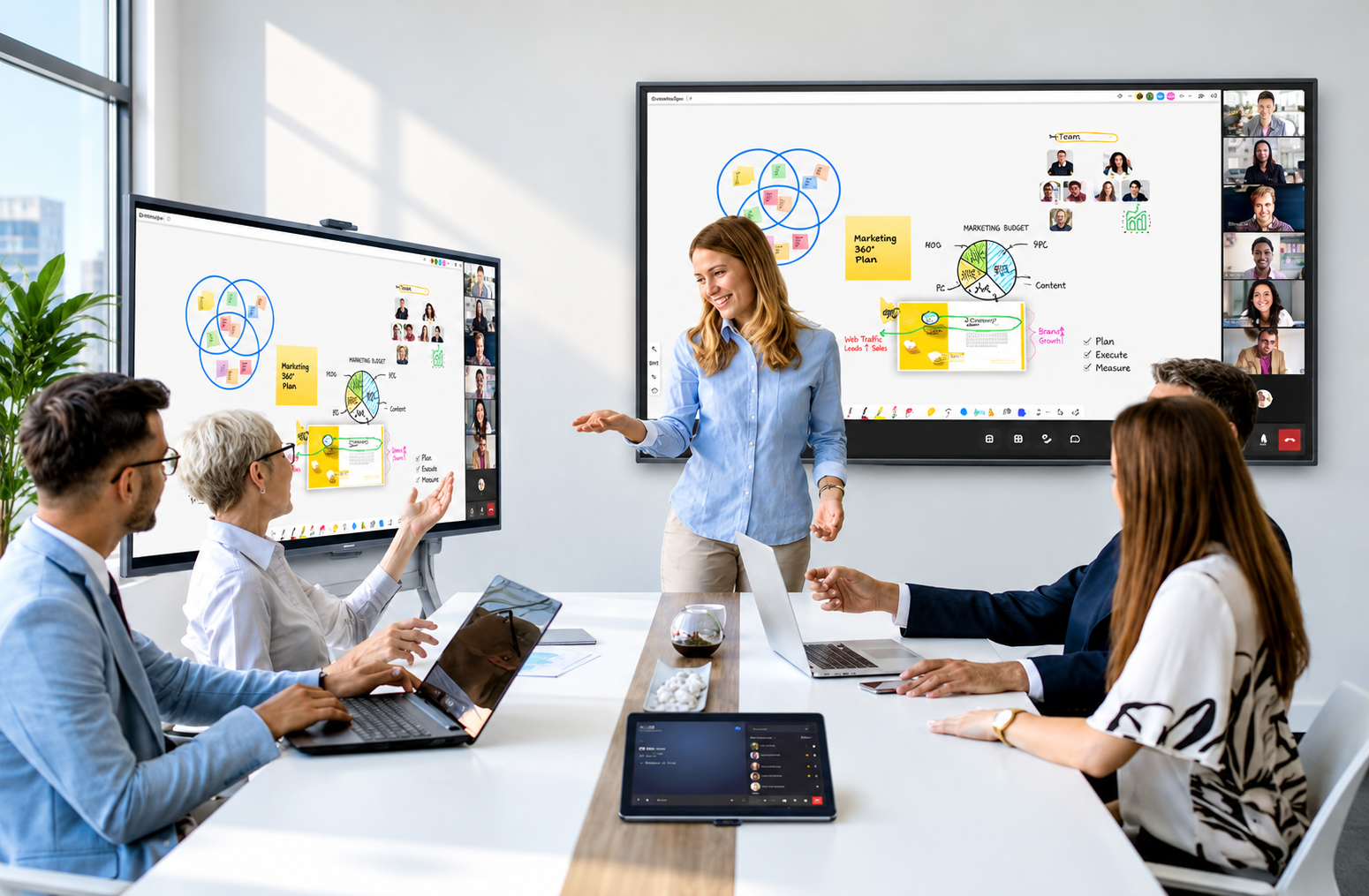
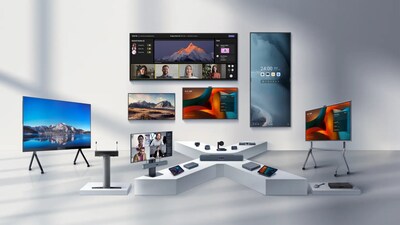
An interactive flat panel is an all-in-one touchscreen display that combines the functions of a projector, whiteboard, computer, microphone, and speaker system into a single device. Instead of connecting separate equipment for presenting, writing, and video conferencing, everything runs through one screen, typically ranging from 55 inches to 98 inches depending on the room size.
IFPs are used in two main settings: business meeting rooms (often called interactive displays or conference panels) and classrooms (often called smart boards). The underlying technology is largely the same; the software and use case differ.
Most IFPs use one of two touch technologies:
Both typically support multi-touch, meaning more than one person can write or interact with the screen simultaneously.
Inside most panels is a dedicated processor, often an Intel Core i5/i7 chip or an Android-based system, that runs the panel's operating system without needing an external PC connected. This is what allows the panel to run whiteboard software, video calls, and presentations natively.
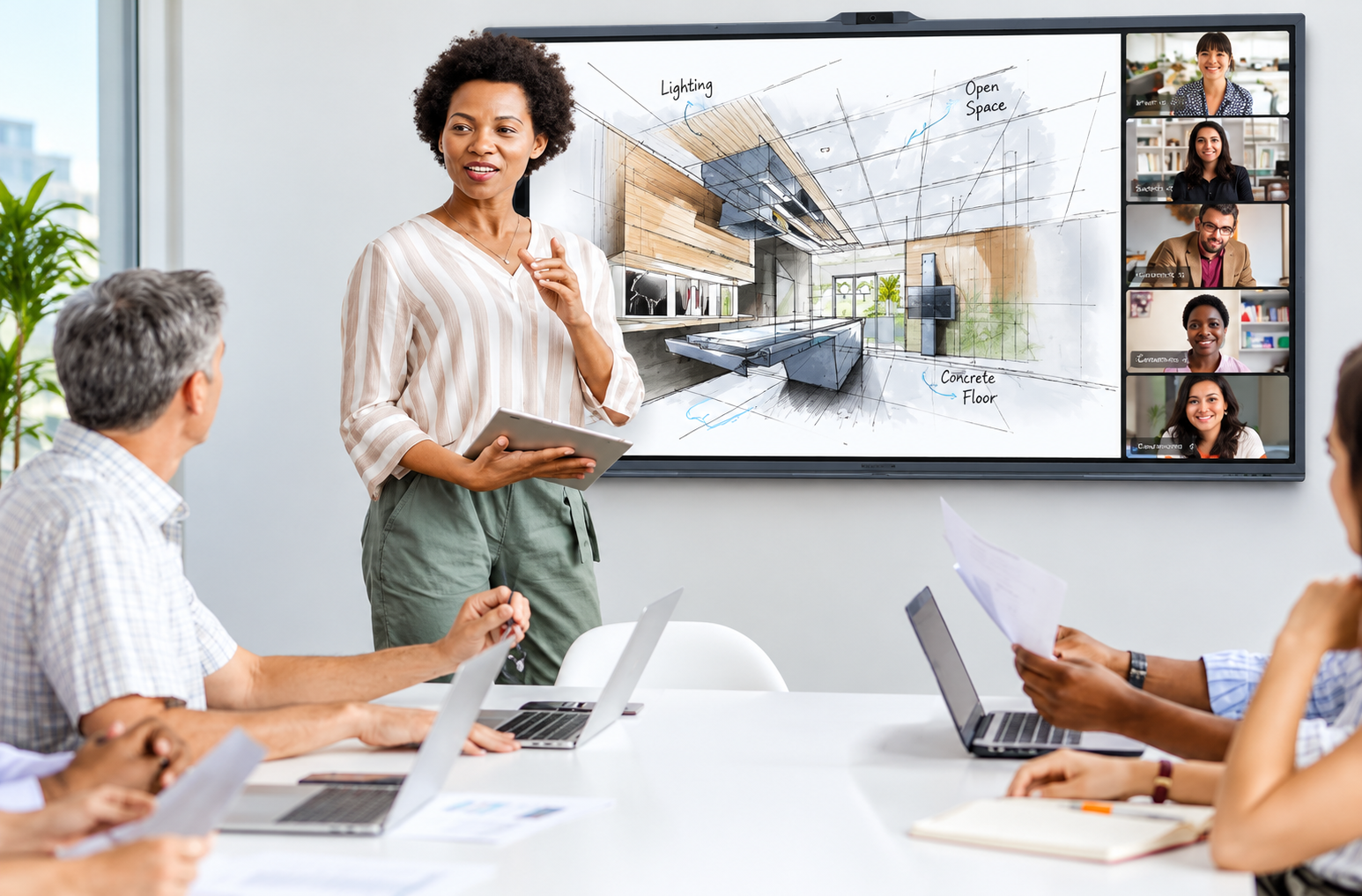
For video conferencing, IFPs include a built-in camera (often with wide-angle or auto-framing capability) and a microphone array using beamforming technology to pick up voices clearly across a room, removing the need for separate video conferencing hardware.
Built-in stereo speakers, sometimes with a subwoofer on larger panels, handle audio playback for both video calls and media content without an external sound system.
This is what actually makes the panel "interactive" rather than just a big touchscreen TV. An operating system like MAXHUB OS ties the hardware together and runs the applications people actually use day to day.
A single interactive flat panel typically replaces:
This consolidation is why IFPs have become standard in corporate meeting rooms and classrooms: fewer devices to buy, cable, and maintain.
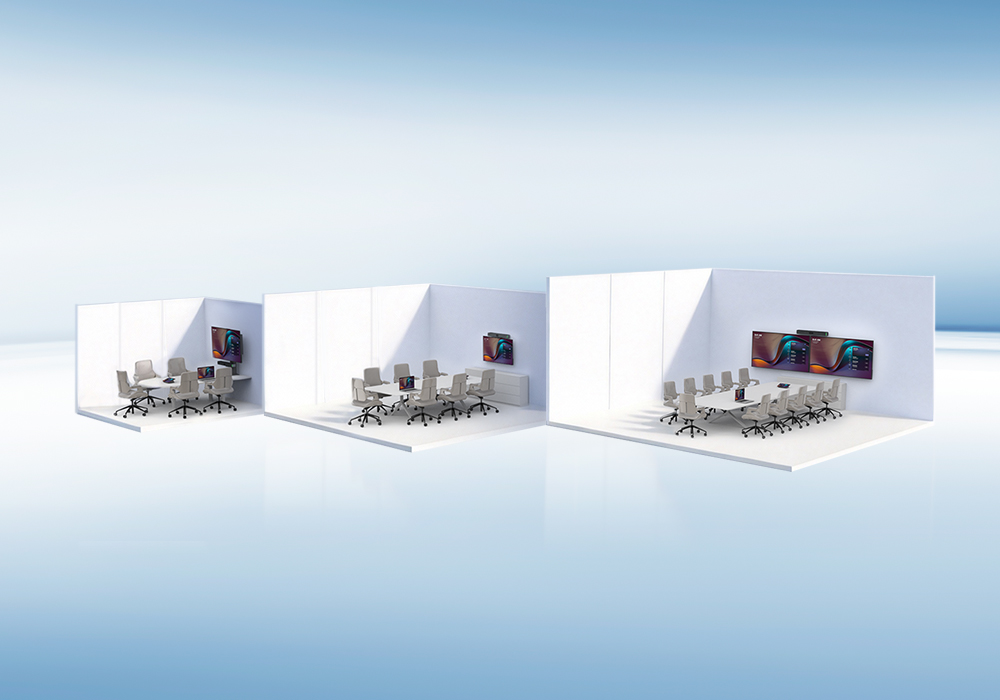
Sizing and hardware needs differ by setting. MAXHUB's Huddle, Small, Medium, and Large Conference Room solutions map recommended panels to room size and use case, or you can run your own room's dimensions through the Room Configurator.
Do I need a separate computer to use an interactive flat panel?
No. Most panels have a built-in processor running their own operating system, so they work standalone. You can still connect an external laptop if preferred.
What's the difference between an interactive flat panel and a regular touchscreen TV?
A regular touchscreen TV typically only handles touch input for basic navigation; an interactive flat panel includes purpose-built whiteboard software, video conferencing hardware (camera/mic), and multi-user annotation tools designed for meetings and lessons.
How long do interactive flat panels typically last?
Most business and education-grade panels are built for several years of regular use, though actual lifespan depends on usage intensity, touchscreen quality, and how well firmware updates are maintained.
What is an interactive flat panel?
An interactive flat panel (IFP) is a large digital touchscreen display designed for interactive presentations, teaching, collaboration, meetings, and other professional applications.
How does an interactive flat panel work?
An interactive flat panel uses touchscreen technology to detect user input. Users can write, draw, navigate applications, annotate content, and interact directly with items displayed on the screen.
What can an interactive flat panel be used for?
Interactive flat panels can be used for smart classrooms, business meetings, presentations, brainstorming sessions, training, video conferencing, and collaborative work.
Can an interactive flat panel connect to laptops and other devices?
Yes. Depending on the model, an interactive flat panel can connect with laptops, computers, smartphones, and other devices through wired connections or wireless screen-sharing technologies.
What is the difference between an interactive flat panel and a regular display?
A regular display primarily shows content, while an interactive flat panel combines high-quality display technology with touch interaction and collaboration features, allowing users to actively interact with the content on screen.
Curious which interactive flat panel fits your room? Talk to MAXHUB's team or explore the Interactive Flat Panel range to compare models by size and specs.
{$ text $}