







Select your country or region


Every office and classroom eventually asks the same question: is it time to replace the whiteboard? A traditional whiteboard is cheap, familiar, and never crashes, but an interactive whiteboard does things a marker and eraser simply can't. Here's a clear, practical comparison to help decide which one actually fits your space.
|
|
|
|
|
|
|
|
|
|
|
|
|
|
|
|
|
|
|
|
|
|
|
|
|
|
|
|
|
|
|
|
|
|
|
|
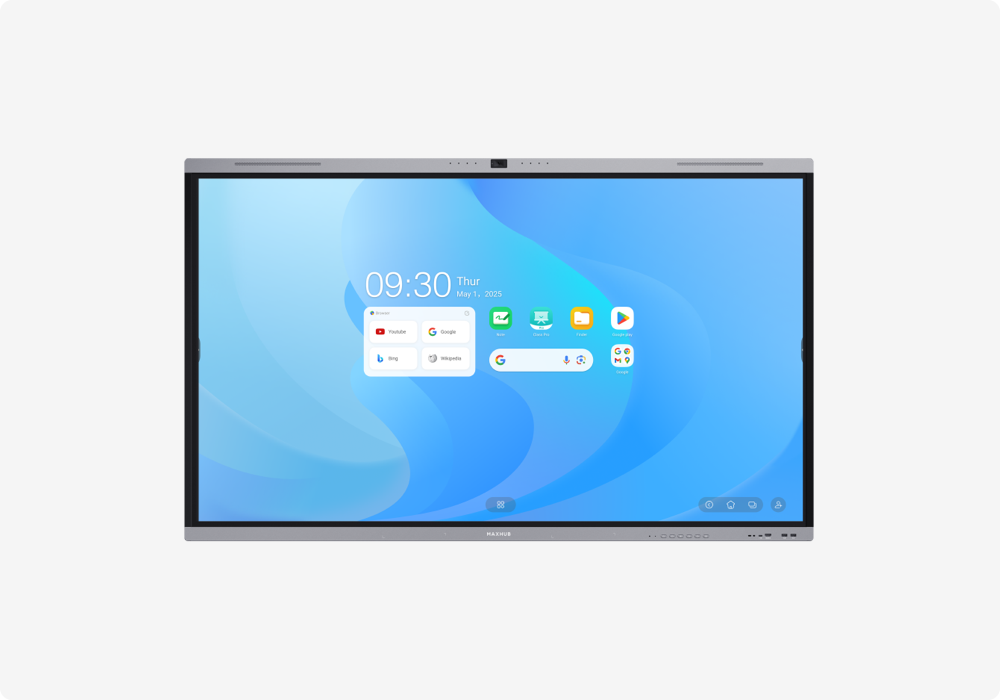
A traditional whiteboard only allows writing and erasing with markers. Once it's wiped, the content is gone unless someone manually photographs it first. An interactive whiteboard, by contrast, lets users write, type, insert images, and edit content digitally, with everything auto-saved as the session progresses.
Software like MAXHUB Whiteboard takes this further with reusable templates, so a meeting agenda or lesson structure doesn't need to be redrawn from scratch every time.
Traditional whiteboards are inherently single-user at any given moment. Only one person can write clearly at a time without the board turning into a mess. Interactive whiteboards support multiple simultaneous touch points, so several people can annotate, move content, or work in different sections of the same screen at once, which is useful for brainstorming sessions and group classroom activities.
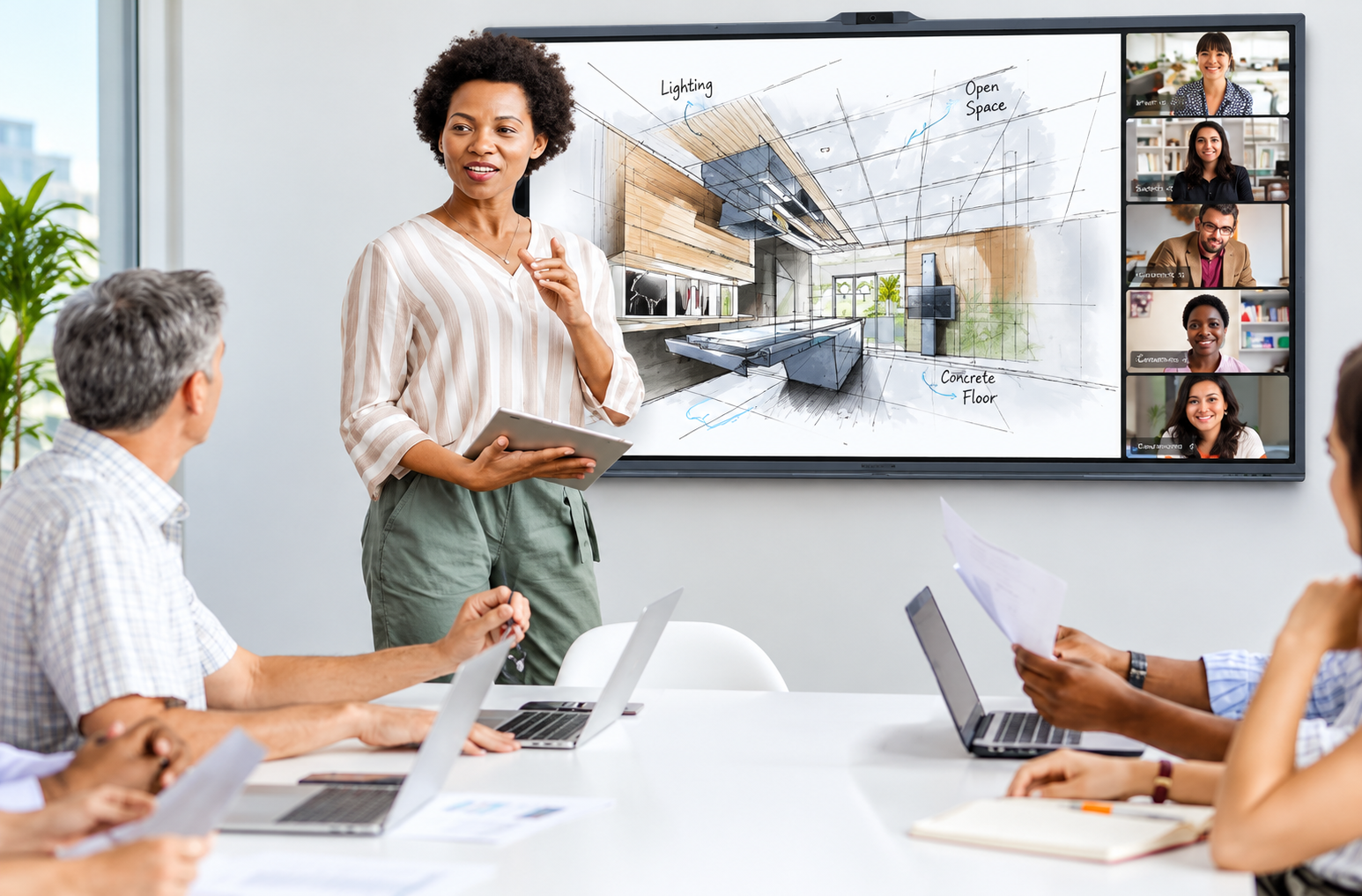
This is where the gap is largest. A traditional whiteboard is completely invisible to anyone not physically in the room. Remote participants either see nothing or rely on someone holding up a camera to it. Interactive whiteboards, particularly all-in-one panels with built-in cameras and video conferencing, let remote participants see and even interact with the same board content in real time.
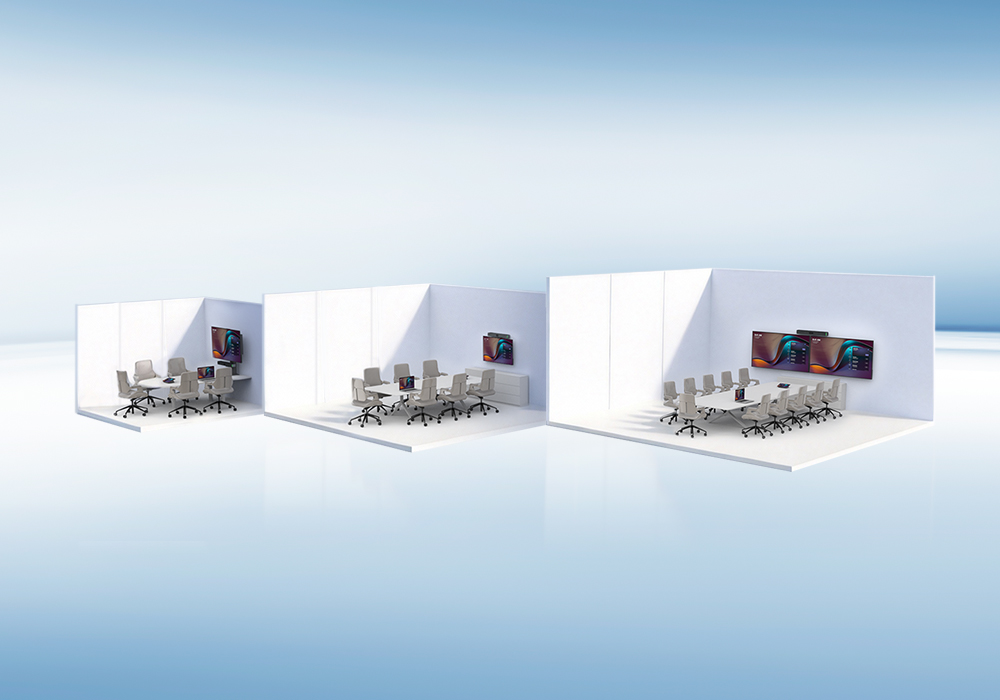
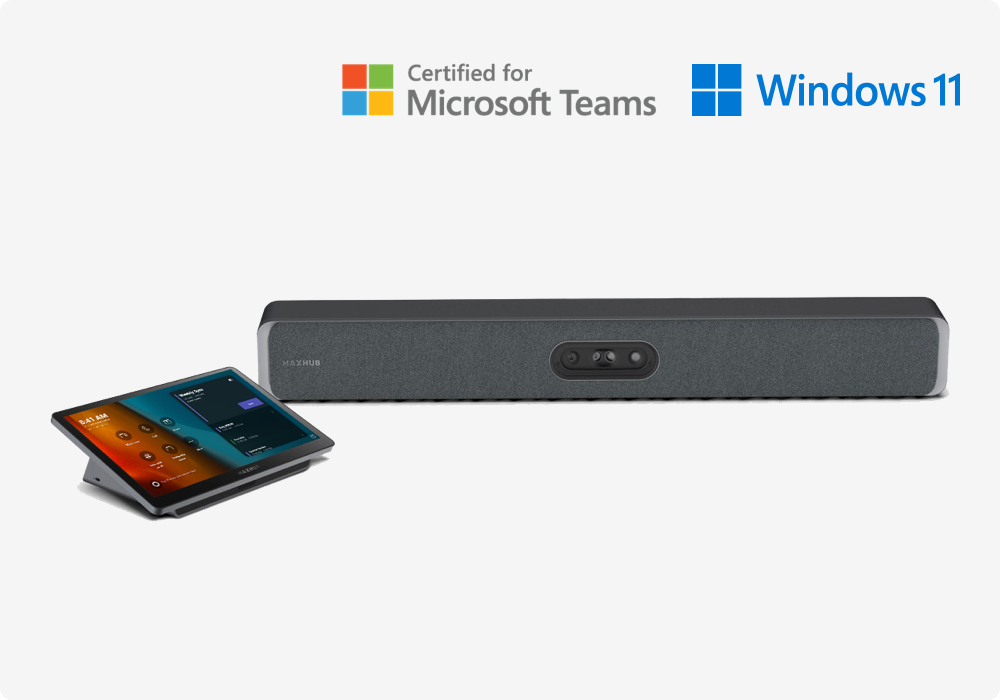
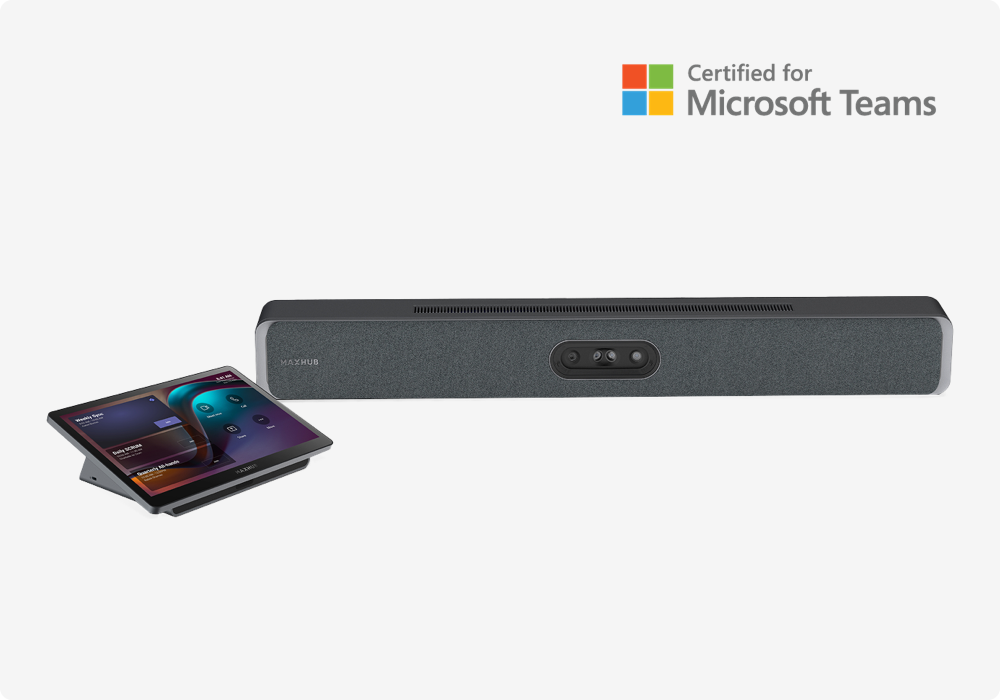
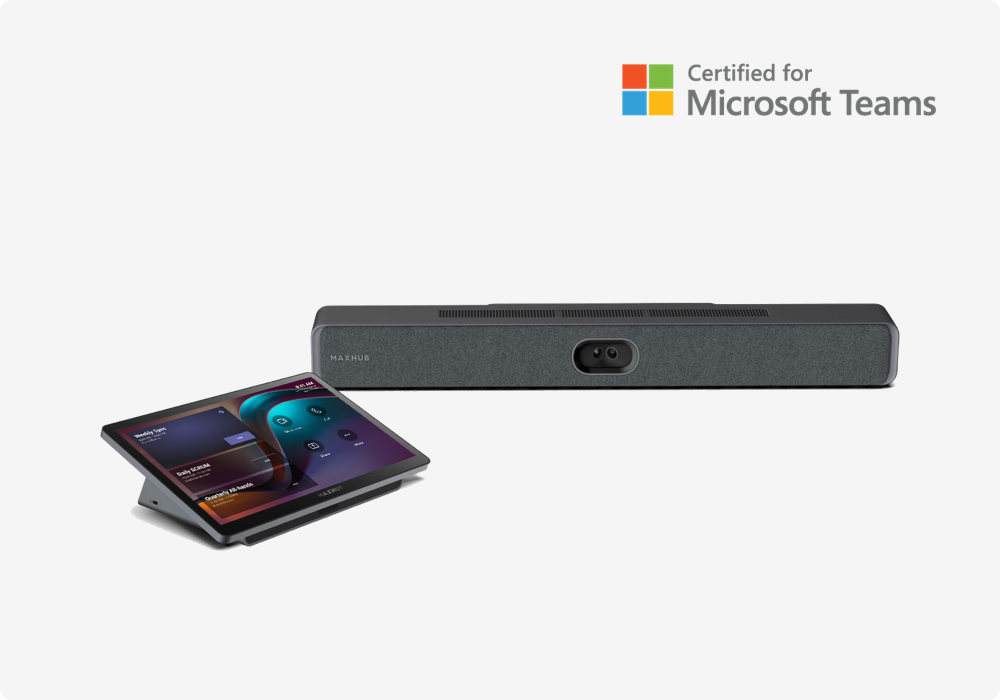
For rooms that regularly host hybrid meetings, the Huddle, Small, Medium, and Large Conference Room solutions framework helps match the right interactive display to the room size and hybrid meeting frequency.
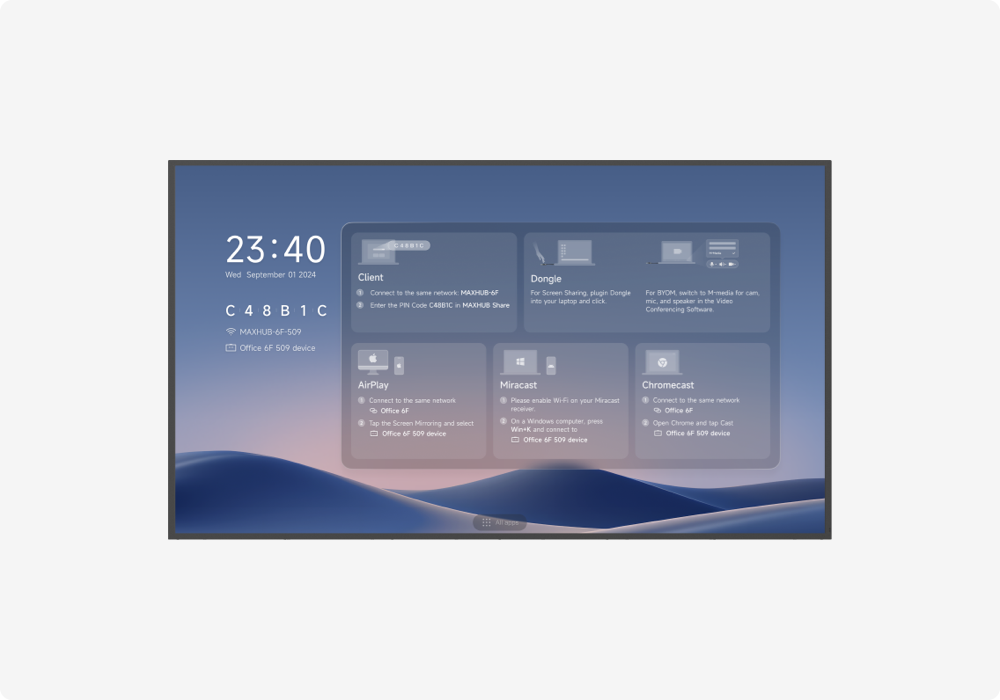
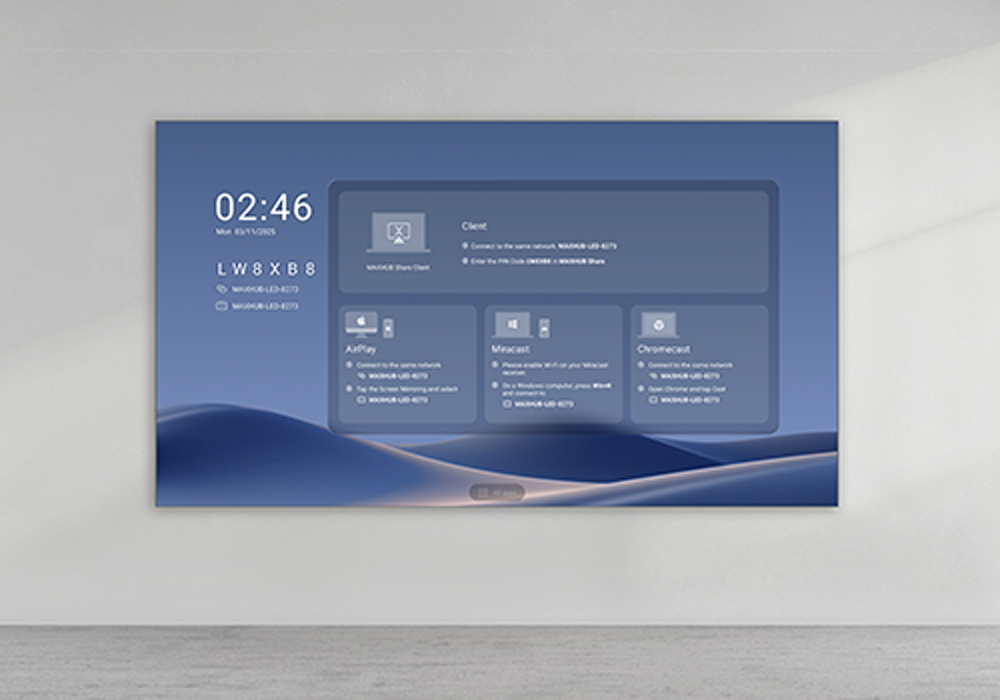
Traditional whiteboards require someone to physically photograph the board and manually distribute the image afterward, often losing legibility in the process. Interactive whiteboards can export sessions directly as PDF or image files, share them via email, or sync to cloud storage automatically, and tools like MAXHUB Share allow wireless casting of external content onto the board mid-session without cables.
Traditional whiteboards have a clear cost advantage upfront, since a basic board costs a fraction of an interactive panel. But interactive whiteboards typically replace several separate purchases at once (whiteboard, projector or TV, video conferencing camera/mic, and sometimes a dedicated PC), which narrows the total cost gap over the device's lifetime, especially in rooms already needing video conferencing equipment regardless.
Traditional boards also come with hidden recurring costs: markers dry out, erasers wear down, and surfaces eventually ghost or stain permanently, requiring replacement.
Traditional whiteboards need almost no maintenance beyond occasional deep cleaning. Interactive whiteboards require periodic firmware updates and, like any electronic device, can occasionally need servicing. This is a real trade-off to weigh, particularly for organizations without dedicated IT support.
Traditional whiteboard still makes sense for:
Interactive whiteboard makes more sense for:
Options like the U4 Series are built specifically for classroom use and fit standard office meeting rooms as well.
Is an interactive whiteboard worth it if we rarely have remote meetings?
If remote/hybrid collaboration isn't a regular need, a traditional whiteboard may still be sufficient. The strongest case for interactive whiteboards comes from hybrid meeting support, content saving, and consolidating multiple AV devices.
Can an interactive whiteboard fully replace a projector and screen?
Yes, most all-in-one interactive whiteboards integrate a display, whiteboard, and often a camera/mic into one unit, removing the need for a separate projector and screen setup.
Do interactive whiteboards work without internet access?
Basic writing, annotation, and local file access typically work offline, but cloud sync, video conferencing, and wireless casting features require an internet connection.
What should I consider when choosing an interactive display for an office?
Consider screen size, display resolution, touch technology, connectivity options, wireless screen sharing, built-in speakers and microphones, operating system, and compatibility with your existing meeting-room equipment.
What screen size is best for an office interactive display?
The ideal screen size depends on the meeting-room size and viewing distance. Larger rooms generally benefit from larger displays, while smaller meeting rooms may work well with more compact interactive displays.
Why is touch functionality important for office collaboration?
Touch functionality allows users to write, annotate, brainstorm, edit documents, and interact directly with content during meetings, making discussions more collaborative.
Should an office interactive display support wireless screen sharing?
Yes. Wireless screen sharing can make meetings more convenient by allowing participants to share content from laptops, tablets, or smartphones without relying entirely on cables.
Can an interactive display be used for video conferencing?
Yes. Many modern interactive displays can work with cameras, microphones, speakers, and video-conferencing platforms, making them suitable for both in-person and hybrid meetings.
Trying to decide which option fits your space? Talk to MAXHUB's team or run your room details through the Room Configurator for a tailored recommendation.

{$ text $}