







Select your country or region


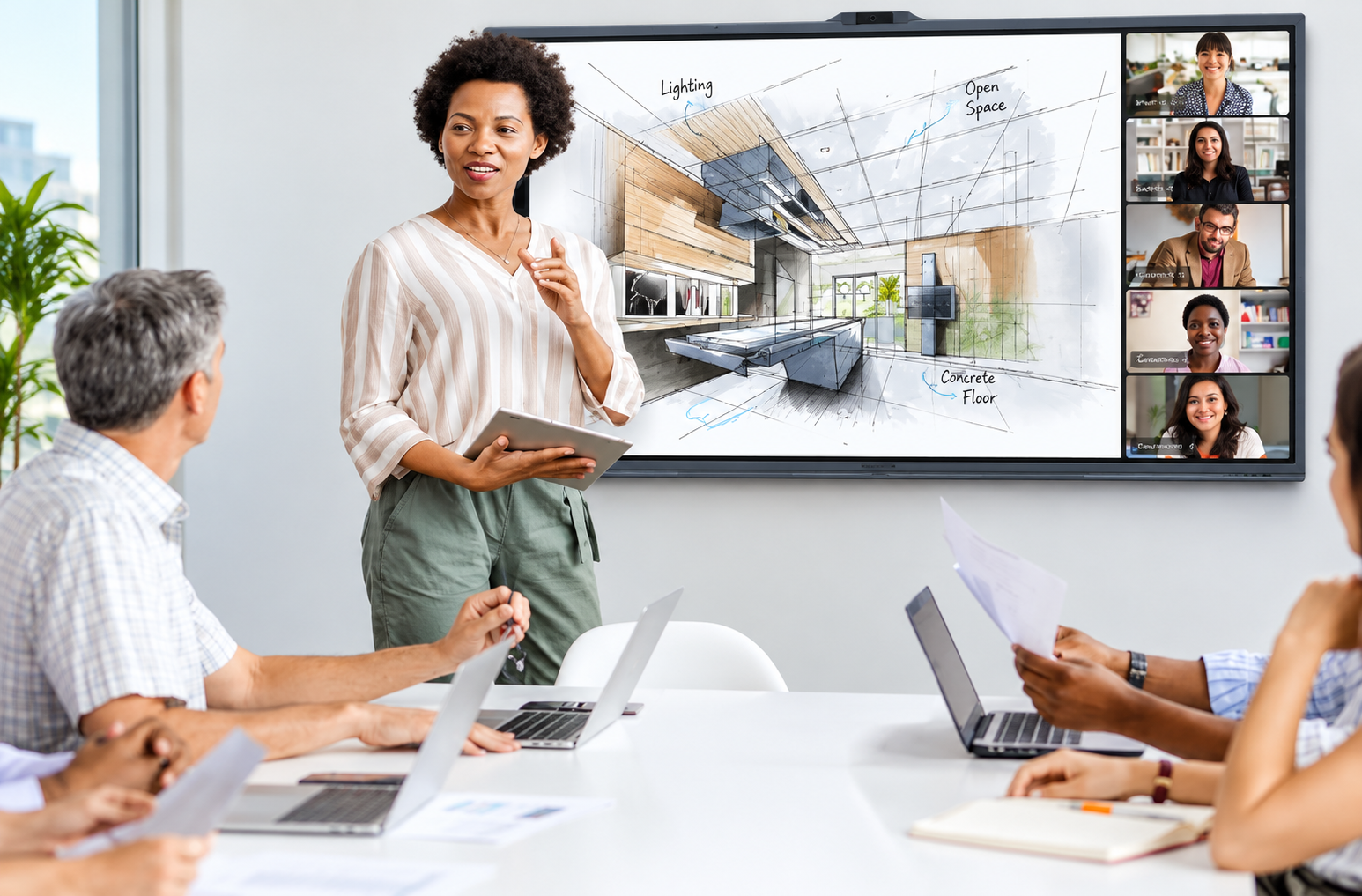
Hybrid work isn't a trend anymore; it's the default. But most meeting rooms were designed for a world where everyone sat around the same table. When half the team joins from home or another office, poor camera angles, muffled audio, and clunky tech turn a "quick sync" into a frustrating experience for remote participants. Designing a hybrid meeting room properly means engineering equity between in-room and remote attendees, not just adding a screen to an old conference room.
Here's a practical, room-by-room guide to getting it right.
Before choosing any hardware, define the room's purpose and headcount. A 2–4 person huddle space needs a completely different setup than a 20-person boardroom.
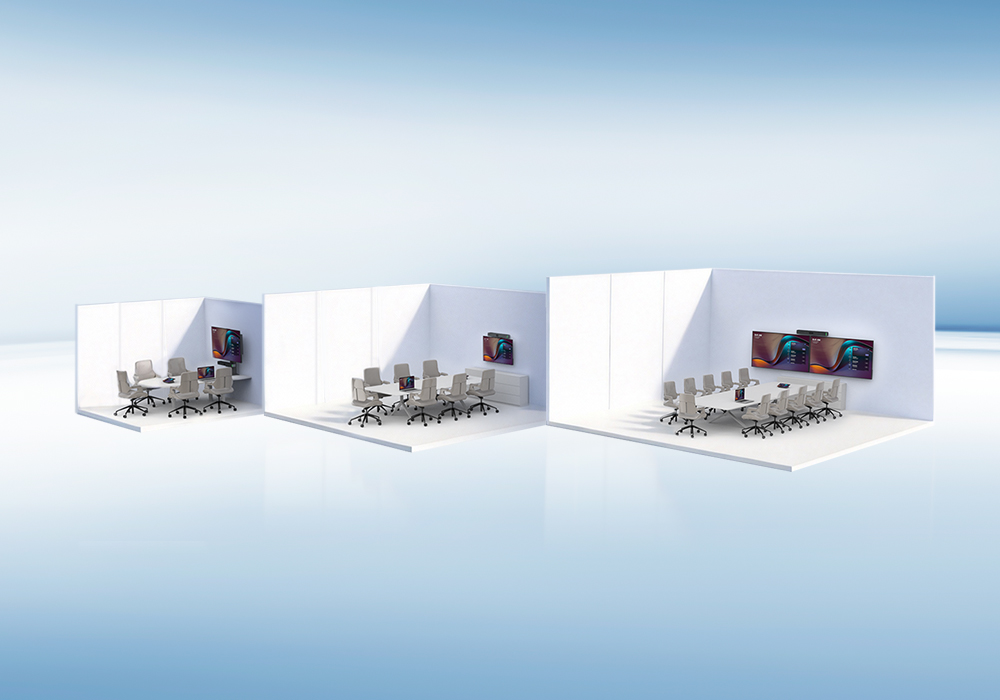
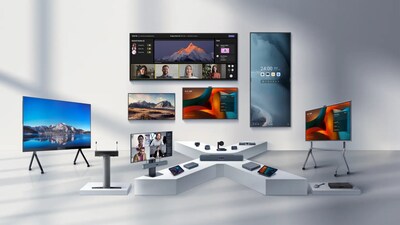
MAXHUB's Huddle, Small, Medium, and Large Conference Room solutions are built around exactly this sizing logic, so you can match hardware to room capacity instead of over- or under-buying.
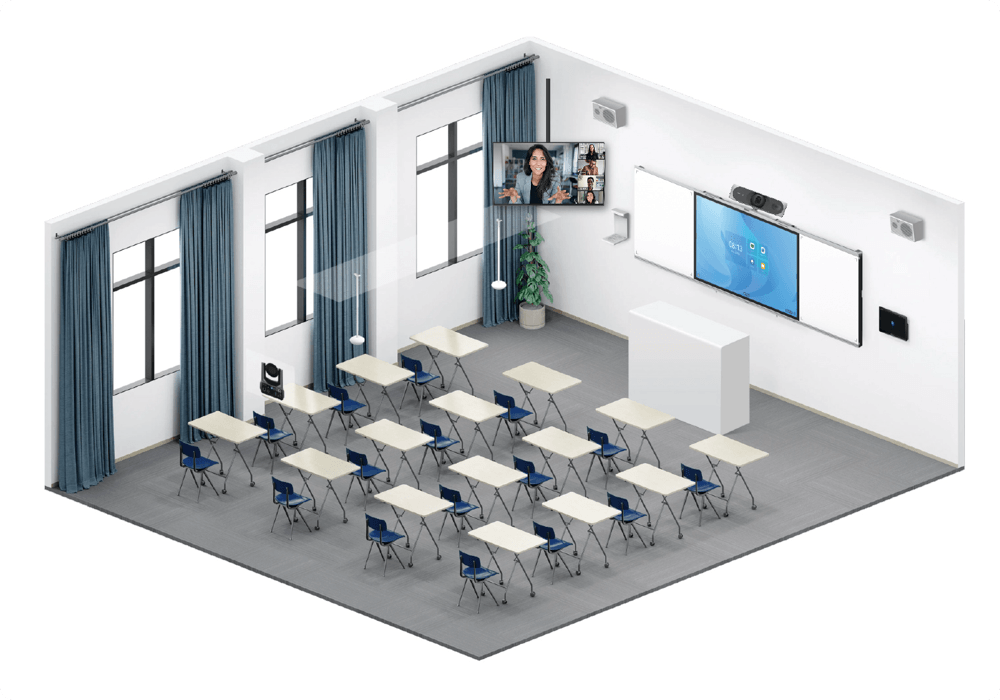
The single biggest complaint from remote attendees is not being able to see who's talking. Fixes:
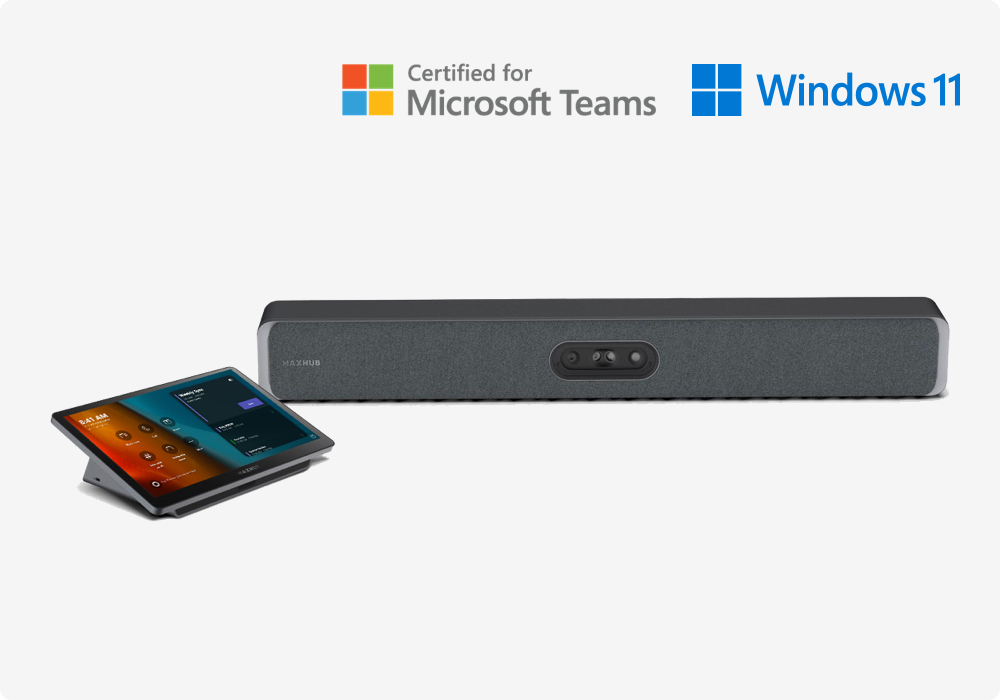
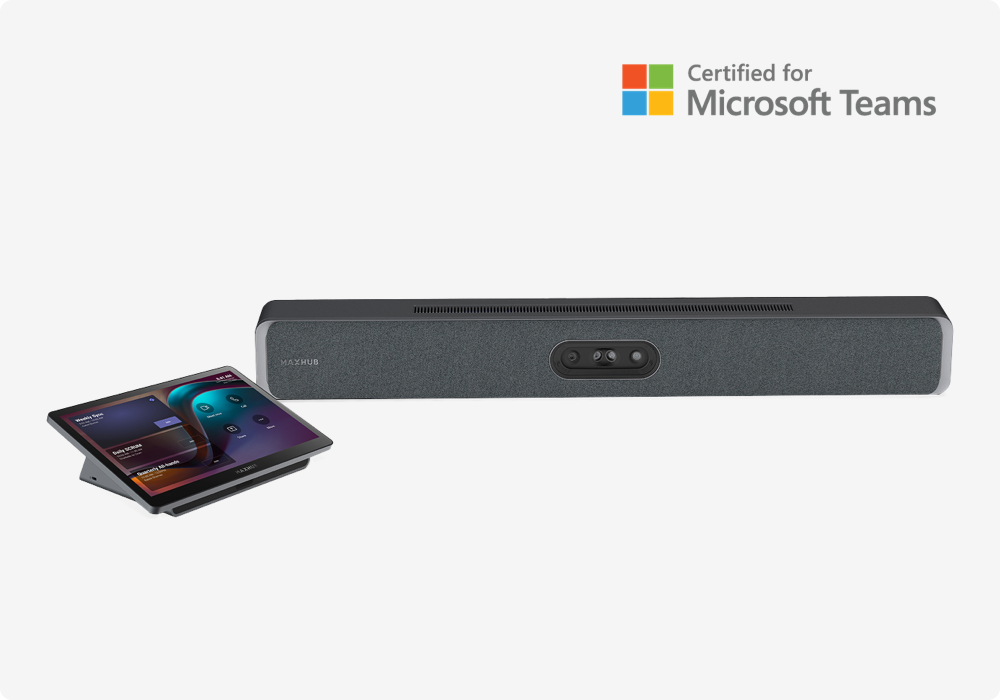
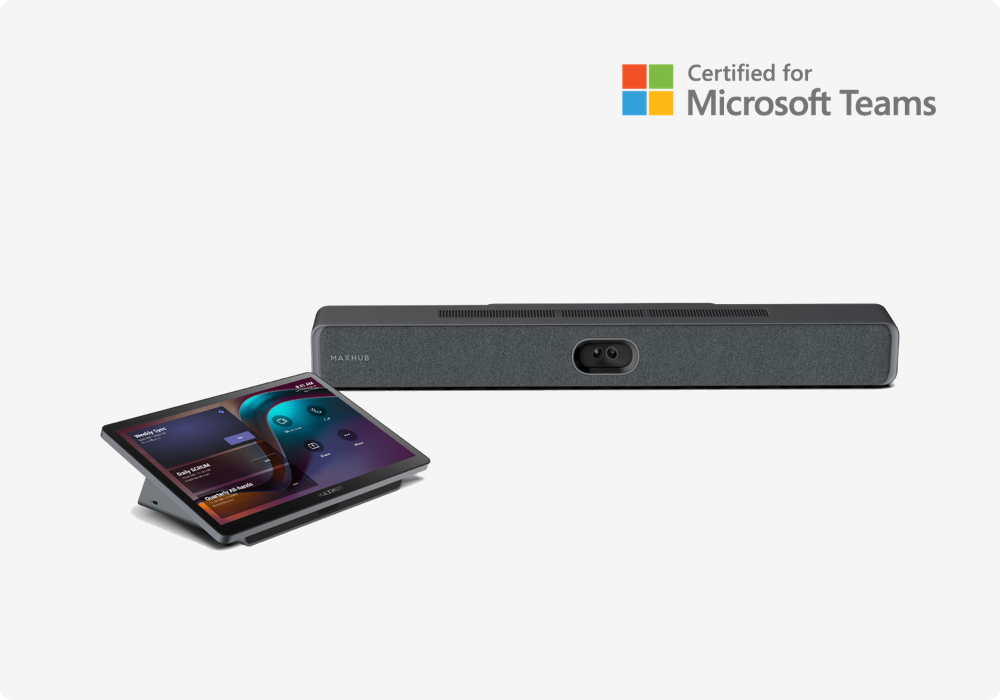
An all-in-one solution like the MAXHUB XBar video bar combines camera, speakers, and mic into a single eye-level unit, which removes most of this guesswork for small and medium rooms.
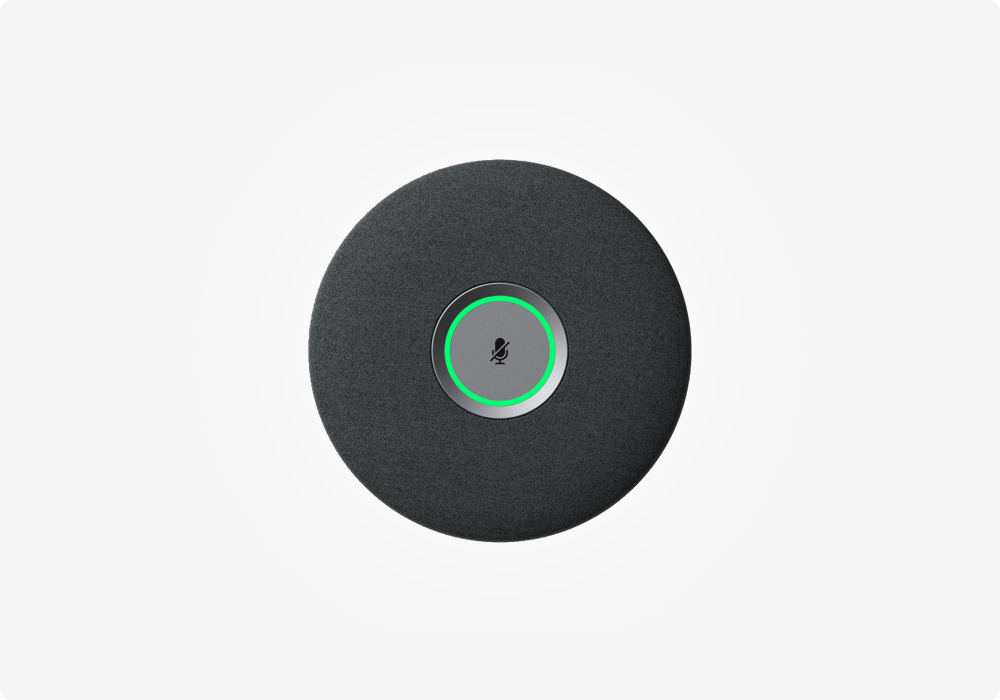
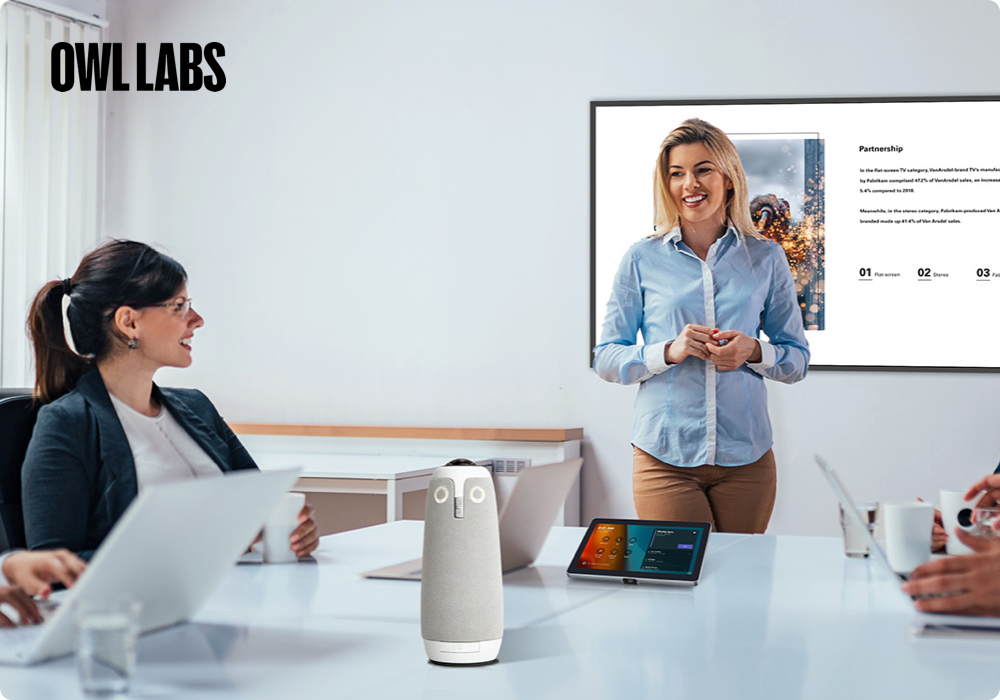
People will tolerate a slightly blurry video feed. They will not tolerate audio they can't understand. Best practices:
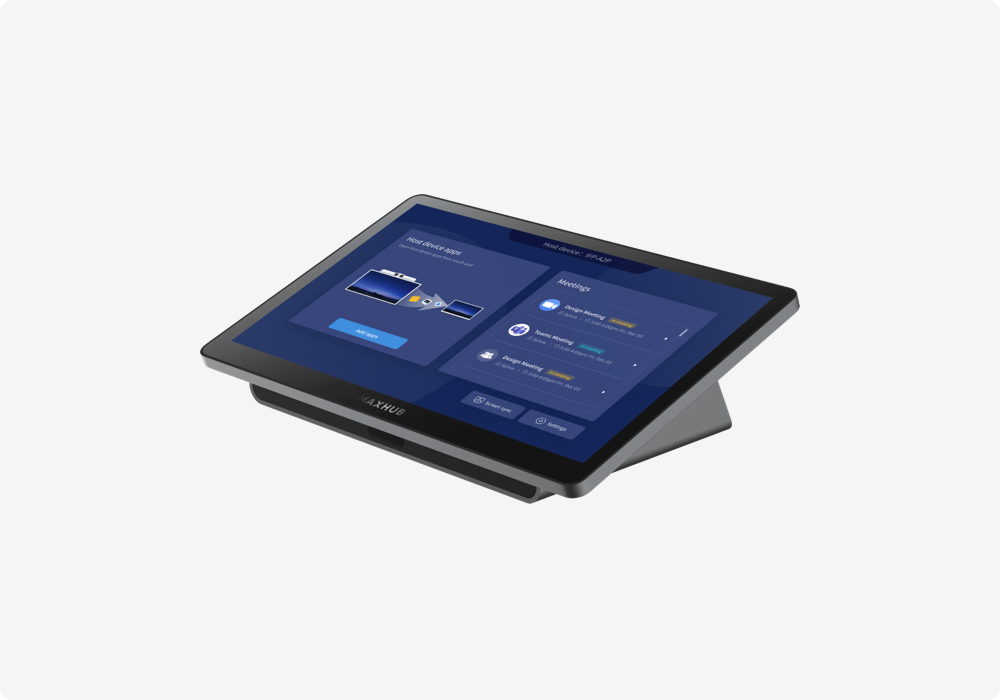
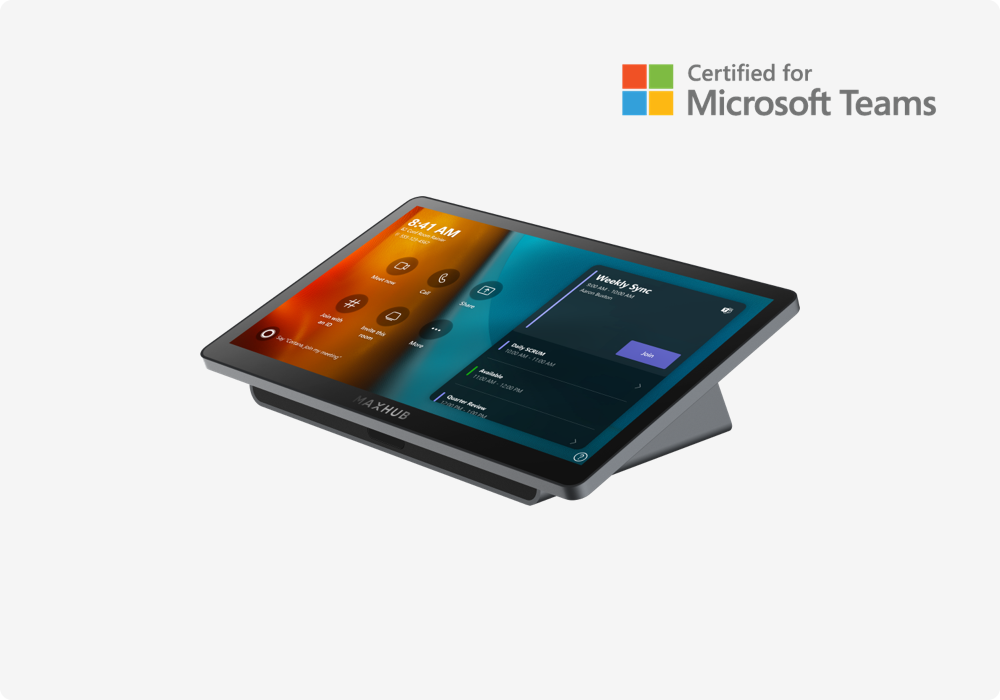
Every extra step between walking into a room and joining a call is a point of failure. The best hybrid rooms let anyone start a meeting in one tap, with:
This is why platform certification matters. Rooms built on the Microsoft Teams Rooms ecosystem or with Zoom-certified devices give a native, one-touch experience instead of a patched-together one.
Remote participants judge the room's lighting far more critically than in-room attendees do.
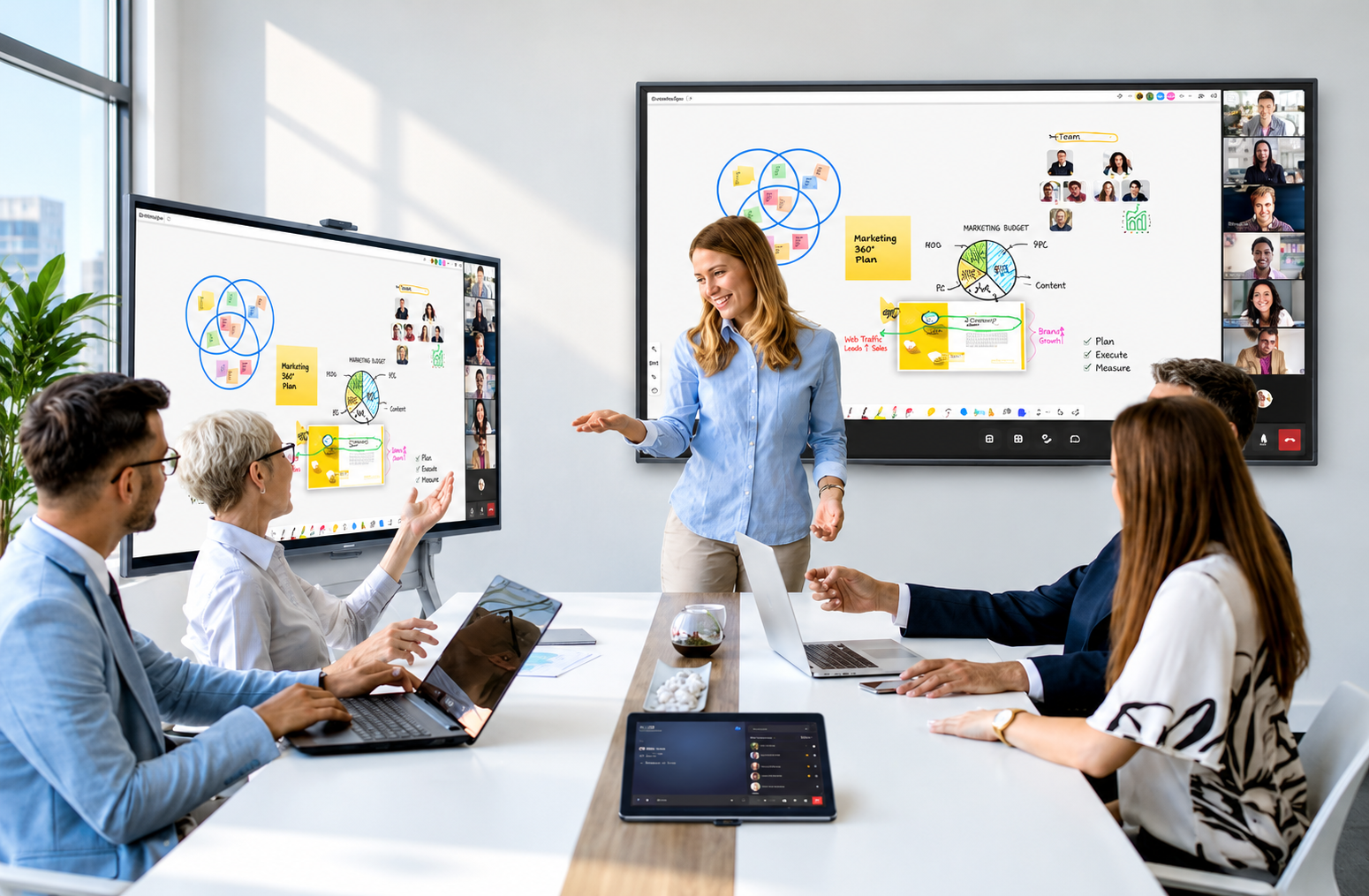
Hybrid meetings fail when remote attendees can't see what's on the whiteboard or the in-room screen clearly. Solutions:
Inconsistent tech across rooms is one of the top reasons hybrid meetings run late. Standardizing on one ecosystem (same camera framing logic, same mic behavior, same join flow) cuts down on user confusion and IT support tickets significantly.
Centralized device management tools like MAXHUB Pivot+ let IT teams monitor, update, and troubleshoot every room from one dashboard, which becomes essential once you're managing more than a handful of spaces.
Instead of guessing what fits, map out your room dimensions, headcount, and platform needs first. MAXHUB's Room Configurator lets you build out a recommended hardware setup based on your actual room size and use case before you commit a budget.
1. What is a hybrid meeting room?
A hybrid meeting room is a meeting space designed to connect people who are physically present in the room with participants joining remotely through video conferencing platforms such as Microsoft Teams or Zoom.
2. What equipment is needed for a hybrid meeting room?
A typical hybrid meeting room may include a professional display, video conferencing camera, microphones, speakers, room control system, reliable internet connectivity and wireless or wired content-sharing technology.
3. How do I design a good hybrid meeting room?
Start by considering the room size, number of participants, meeting type and conferencing platform. Then plan the seating layout, display position, camera coverage, microphone placement, lighting, acoustics and connectivity.
4. What camera is best for a hybrid meeting room?
The camera should match the room size and seating arrangement. Features such as a wide field of view, auto framing, speaker tracking and high-resolution video can improve the experience for remote participants.
5. Why is audio important in a hybrid meeting room?
Clear audio allows remote and in-room participants to communicate effectively. Proper microphone placement, echo cancellation, noise reduction and suitable speakers can help prevent common audio problems.
6. Should a hybrid meeting room support BYOD?
Yes. Bring Your Own Device (BYOD) support allows users to connect their laptops or other devices for video meetings and presentations, making the room more flexible for employees and guests.
7. Can hybrid meeting rooms support Microsoft Teams?
Yes. Hybrid meeting rooms can be designed to support Microsoft Teams Rooms, providing an integrated environment for video meetings, content sharing and room control.
8. What display size is suitable for a conference room?
The appropriate display size depends on room dimensions, viewing distance and the number of participants. Larger rooms generally require larger displays or multiple screens to ensure everyone can comfortably view meeting content.
9. How can I reduce echo and background noise in a meeting room?
Use suitable acoustic materials, minimize unnecessary background noise and position microphones and speakers correctly. Acoustic wall panels, carpeting and sound-absorbing surfaces can also improve room acoustics.
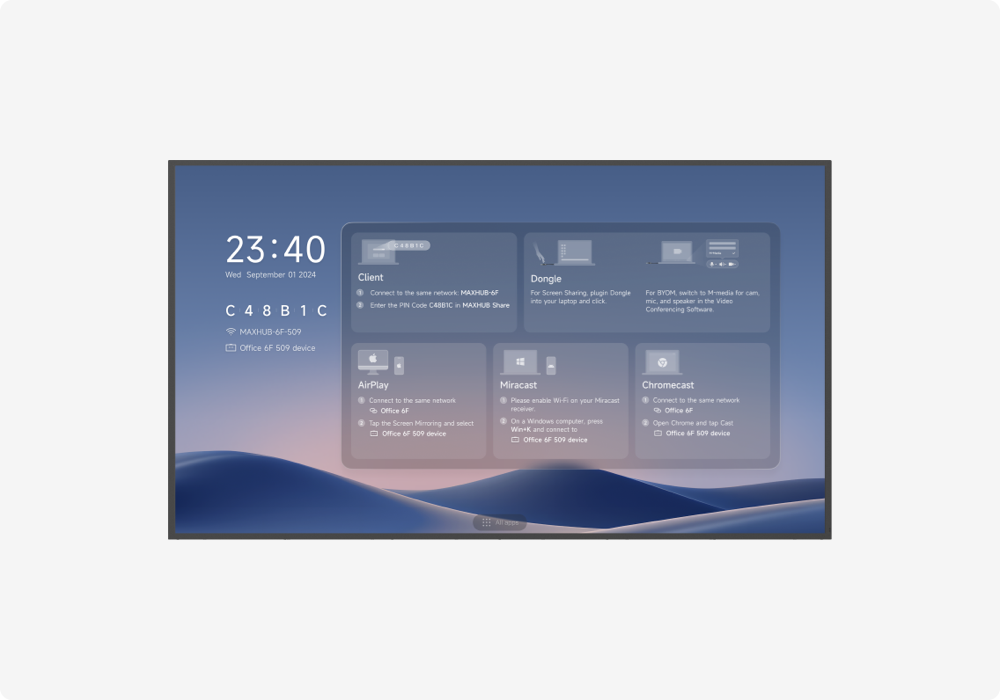
10. Why is wireless screen sharing useful in hybrid meetings?
Wireless screen sharing reduces cable clutter and allows participants to share presentations and other content quickly from compatible devices, helping meetings start faster.
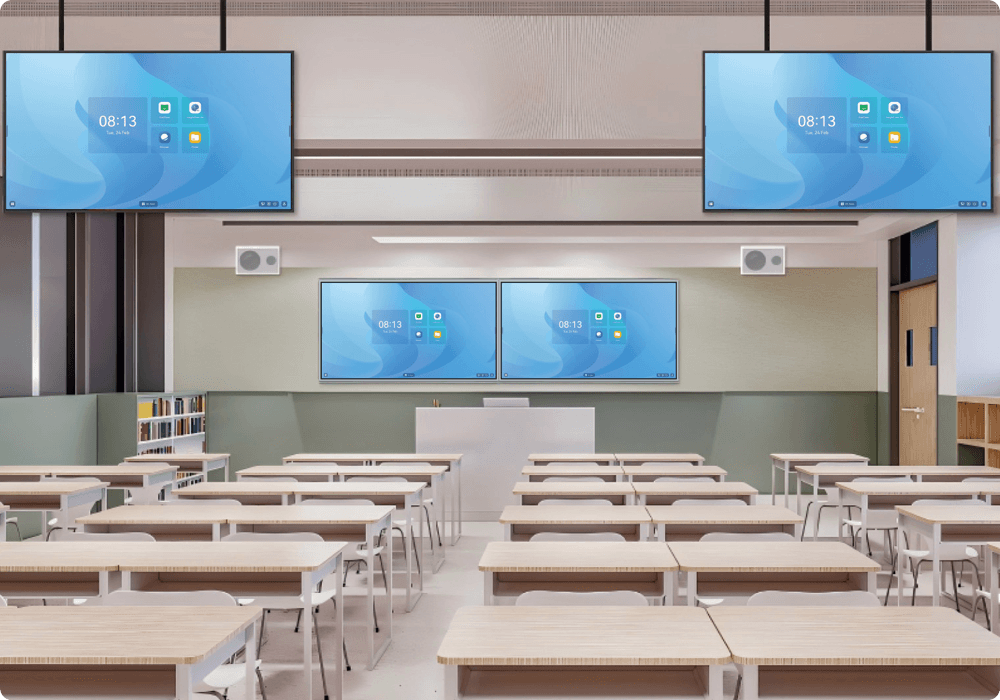
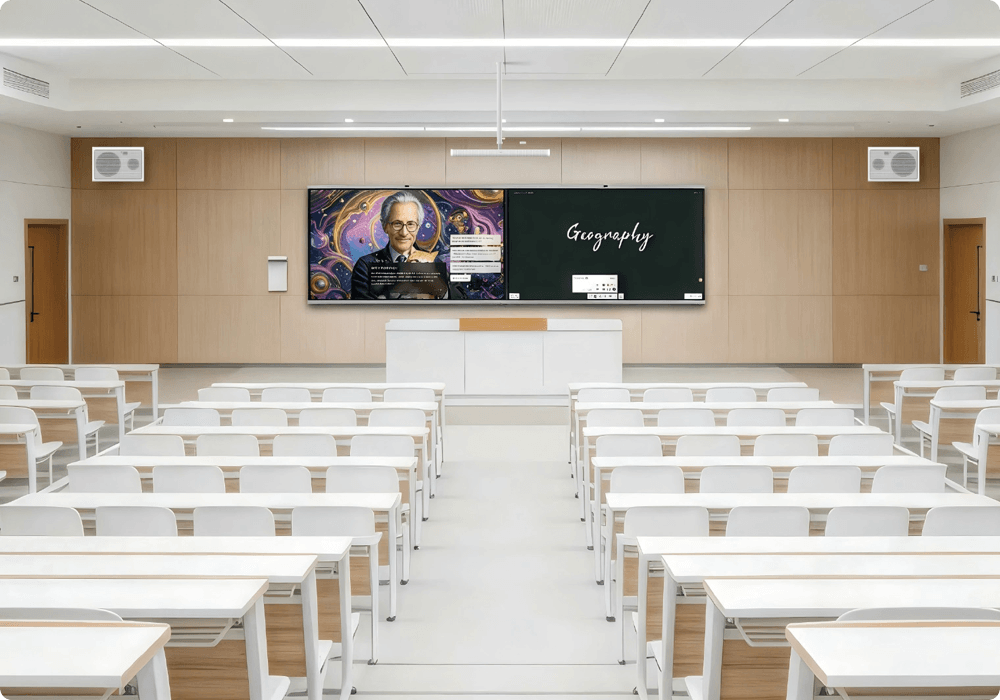
11. What should I consider when designing a large hybrid conference room?
Large rooms may require multiple displays, wider camera coverage, additional microphones, stronger speakers and centralized room controls. The equipment should be selected according to the room's size and meeting requirements.
12. How can MAXHUB help with hybrid meeting room design?
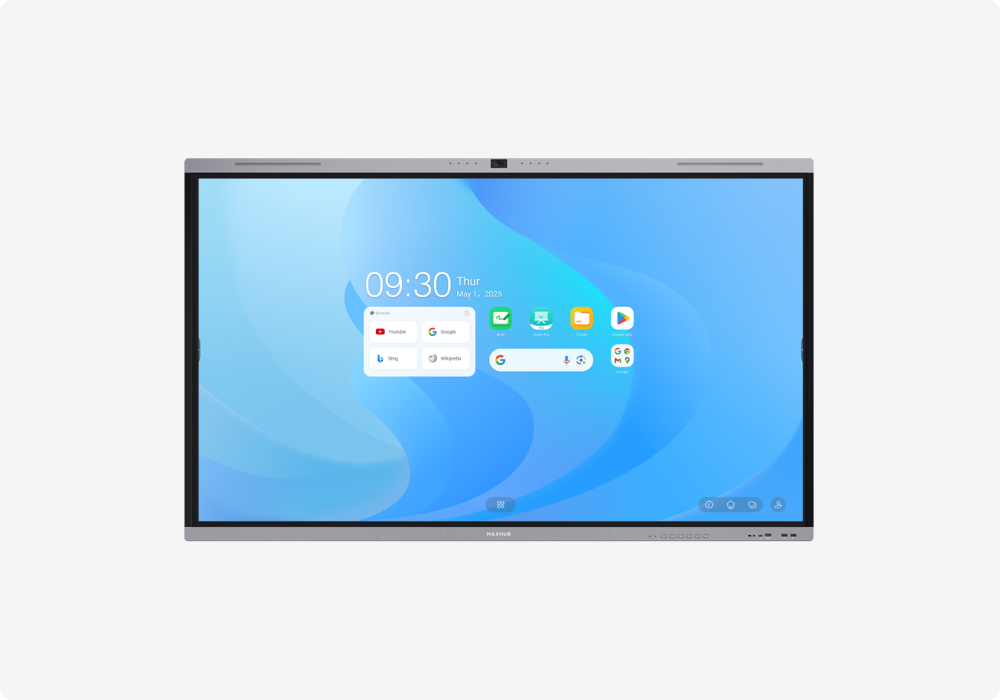
MAXHUB provides displays, interactive flat panels, unified communication devices, video conferencing solutions and Microsoft Teams Rooms solutions that can be combined according to different meeting room requirements.
Ready to design your hybrid meeting rooms the right way? Talk to MAXHUB's team or explore enterprise conference room solutions built for every room size.
{$ text $}