








Select your country or region


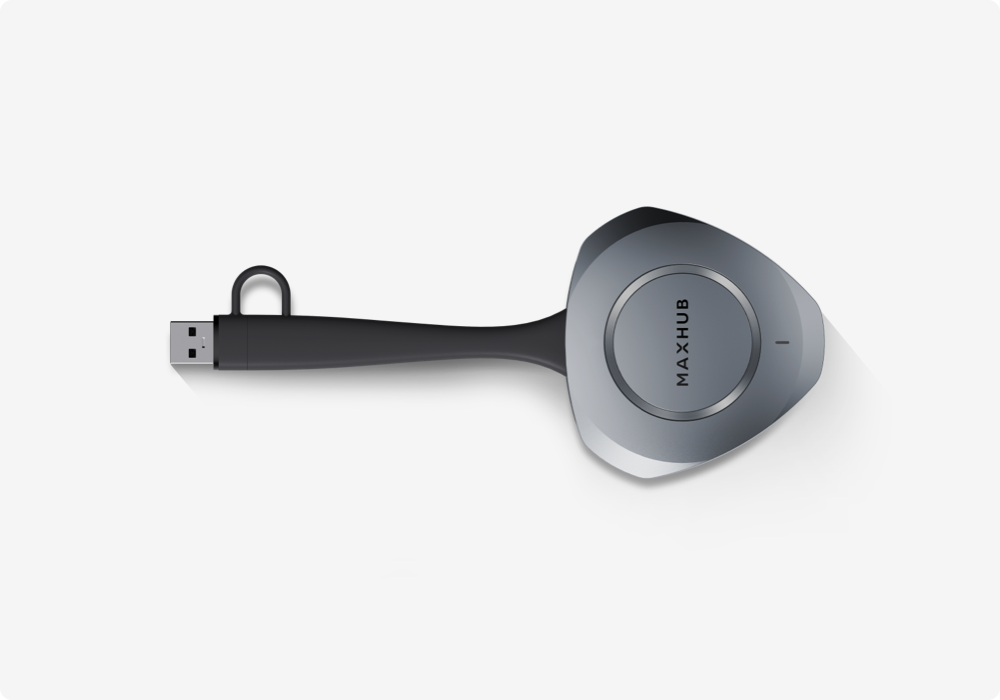
The MAXHUB Wireless Screen Sharing Dongle WT15S gives teams a faster, simpler way to connect a laptop to a meeting room display and start presenting—without installing software, requesting admin rights, or changing the room network.
In our upcoming New Product Launch Webinar, “No Cables, No Problem: Meet the MAXHUB Wireless Screen Sharing Dongle WT15S,” MAXHUB will introduce the WT15S through a live product walkthrough, including its key features, sharing experience, deployment requirements, and exclusive launch offer.
Effortless, Instant Connection
The WT15S connects in as little as three seconds* — simply plug it into a laptop with USB-C or USB-A port, and the screen is ready to share. There's no software to install, no admin rights required, and no network changes are needed, making it easy to deploy across any meeting room.
*Response time from dongle insertion to screen projection readiness. USB-C: ≥3s; USB-A: ≥10s.
Once connected, the WT15S delivers crystal-clear 4K wireless screen sharing with ultra-low latency, keeping presentations smooth, responsive, and in sync with the presenter's laptop.
Enterprise-Grade Security
The WT15S is built with AES 128-bit multi-layered encryption, dynamic key negotiation, and multi-factor authentication, giving each connection independent, enterprise-level protection — an important consideration for IT teams managing shared meeting spaces.
Built for Everyday Use
Beyond core sharing, the WT15S includes Wireless Touchback, letting presenters control their laptop directly from the display they're sharing. The dongle is also designed for durability and day-to-day handling, with a cable and adapter rated for over 20,000 bending cycles and a dedicated lanyard hole to help prevent misplacement — practical details for a device that moves between rooms and users.
What the Webinar Will Cover
During the session, attendees will learn about:
• Key features of the new MAXHUB Wireless Screen Sharing Dongle WT15S
• 4K screen sharing, plug-and-play setup, and AES 128-bit encryption
• Wireless Touchback: control your laptop from the display you're sharing to
• A live demo with two devices sharing at the same time
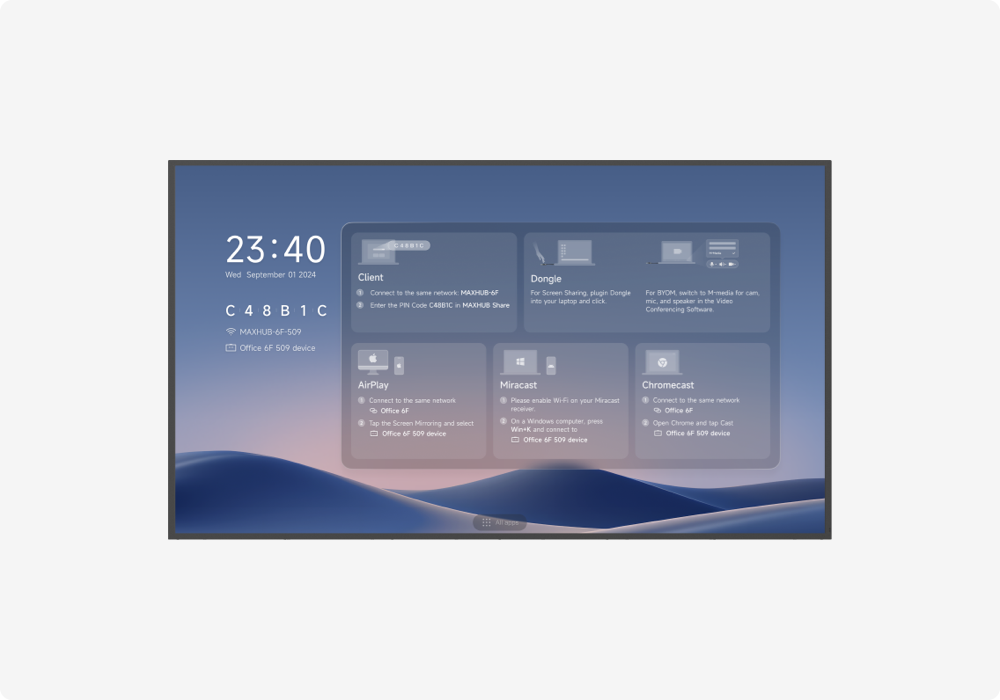
• Which sharing method fits which room, and what each one requires to deploy
• Launch bundle pricing and deployment options
• Live Q&A with our Solutions Engineering team
📅 Date: Thursday, August 13, 2026
⏰ Time: 9:30 AM PT / 11:30 AM CT / 12:30 PM ET
Can’t attend live? Register to receive the recording after the event.
*This webinar is intended for the North America market.
{$ text $}