









Select your country or region


Setting up a conference room used to mean a pile of boxes, a tangle of cables, and a technician on site for a day or two. It doesn’t have to work that way anymore.
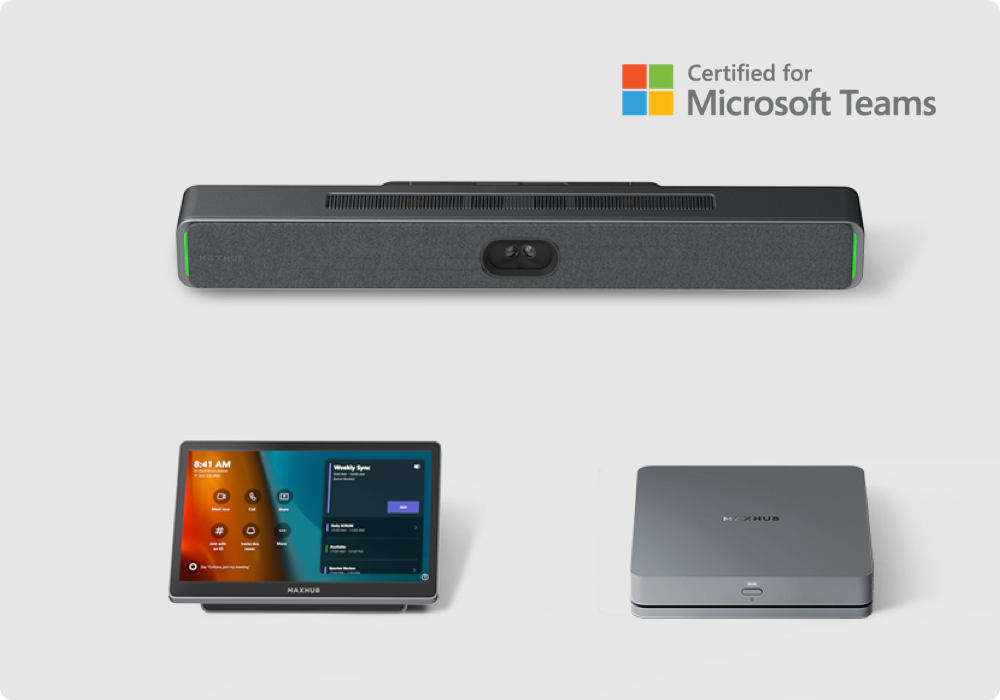
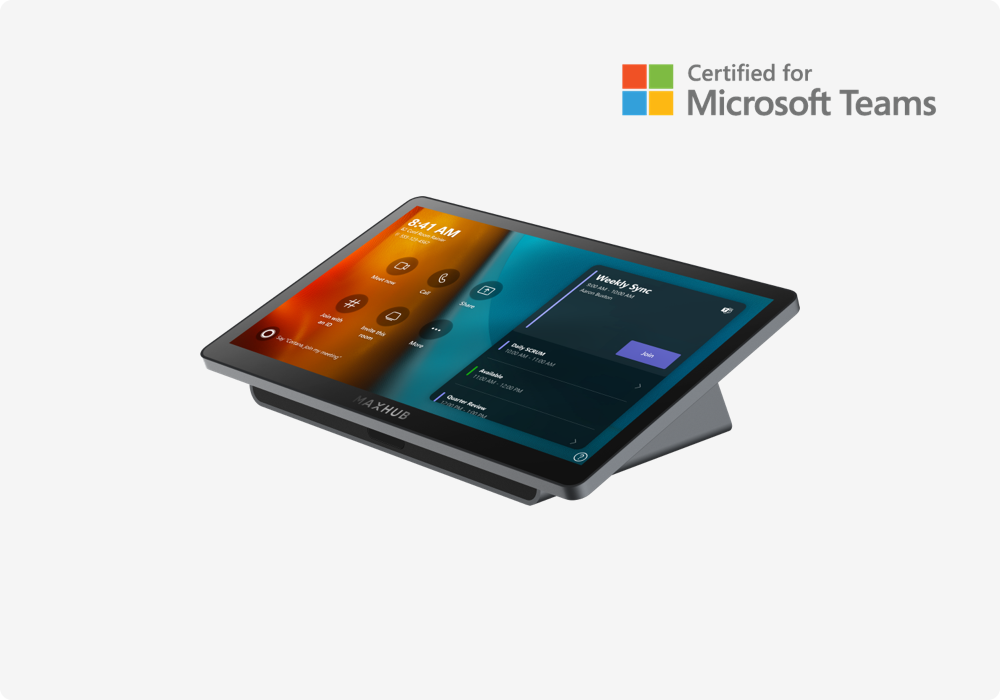
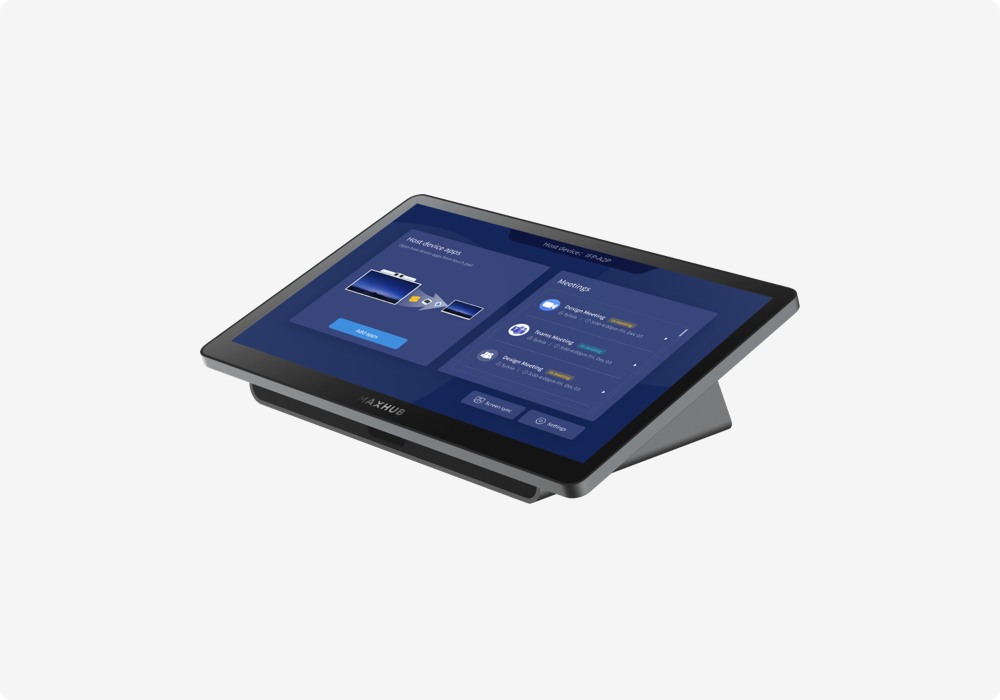
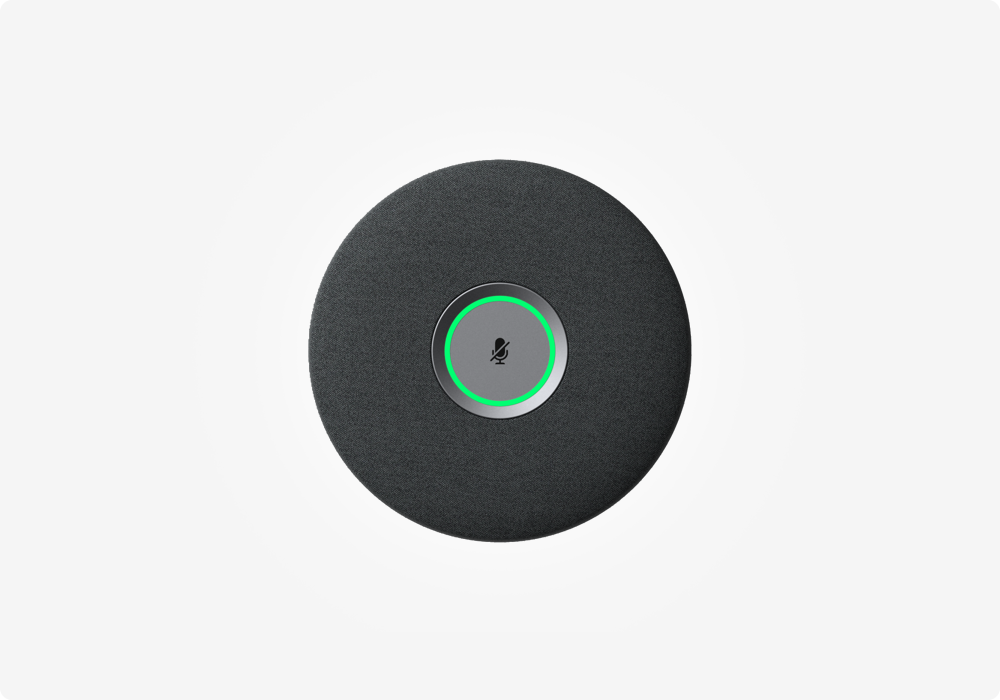
Join MAXHUB and a special guest from Microsoft for a 30-minute webinar, “High-Performance Rooms, Deployed Fast,” and see how the MAXHUB Teams Collaboration Board combines all-in-one room design with Microsoft Zero-Touch Deployment. One certified device brings together the camera, microphones, speakers, touch display, and Teams Rooms computer—helping IT teams move from delivery to the first meeting faster.
All-in-One Simplicity for Modern Meeting Rooms
The all-in-one collaboration display is a form factor many organizations first came to know through Microsoft Surface Hub: one integrated device designed to bring video meetings, whiteboarding, touch collaboration, and content sharing together.
The MAXHUB Teams Collaboration Board carries that approach forward to modern Microsoft Teams Rooms. Instead of installing and connecting separate room components, IT teams can deploy one unit on the wall with a one-cable setup. With fewer individual devices to install, configure, maintain, and troubleshoot, the room is simpler for both IT teams and meeting participants.
A Native Windows Teams Rooms Experience
Built for Microsoft Teams Rooms on Windows, the MAXHUB Teams Collaboration Board provides a familiar and consistent way to join meetings, share content, collaborate on a touch display, and connect with remote participants. The integrated design pairs the simplicity of a collaboration board with the features and management approach organizations expect from Windows-based Teams Rooms.
From Delivery to the First Meeting—Faster
The hardware is only part of a faster room deployment strategy. During the webinar, Microsoft will explain how Zero-Touch Deployment works with Windows Autopilot and Microsoft Intune. IT teams can use the Microsoft tools they already know to prepare and manage room systems without manually imaging every device or sending a technician to configure each room.
No custom imaging. No site visit for device setup. The goal is a room ready for its first meeting on the day the board arrives.
One Device Family for Multiple Room Types
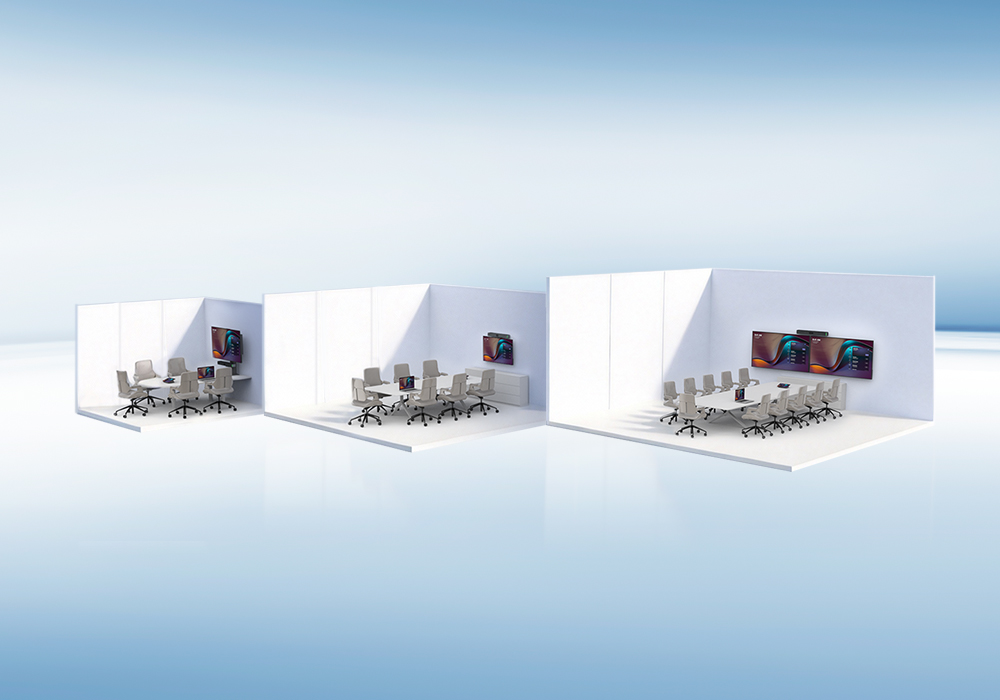
With sizes from 55" to 92", the MAXHUB Teams Collaboration Board can support huddle rooms, small rooms, and medium rooms while giving users a consistent meeting experience. Organizations can standardize one all-in-one device family instead of designing a different combination of displays, cameras, microphones, speakers, and computers for every space.
Planning What Comes Next
Organizations evaluating a Surface Hub replacement—or deciding what comes next as current Windows collaboration boards approach end of support—do not have to give up the integrated collaboration display experience. The webinar will explore how a modern Windows Teams Rooms board can retain the simplicity of the form factor while supporting faster deployment and centralized IT management.
What the Webinar Will Cover
In 30 minutes, attendees will learn about:
• Why an all-in-one collaboration board is the fastest way to get a room up and running
• How one device family covers huddle rooms, small rooms, and medium rooms
• How Windows-based Microsoft Teams Rooms delivers a familiar and consistent collaboration experience
• How Zero-Touch Deployment works with Windows Autopilot and Microsoft Intune, explained by Microsoft
• What comes next if current Windows collaboration boards are reaching end of support
Meet the Speakers
🗣️ Matt Slomka | Senior Program Manager, Microsoft
🗣️ Charlie McCarrel | Director of Solutions Engineering, MAXHUB
📅 Date: Tuesday, September 1, 2026
⏰ Time: 9:30 AM PT / 11:30 AM CT / 12:30 PM ET
Can’t attend live? Register to receive the recording after the event.

{$ text $}