


BORDERLESS BEAUTY.
EFFORTLESS SIMPLICITY
Ultra‑slim bezel for full‑screen immersion. Plug‑and‑play setup with intuitive controls and easy maintenance—no hassle, all impact.







Select your country or region
Ultra‑slim bezel for full‑screen immersion. Plug‑and‑play setup with intuitive controls and easy maintenance—no hassle, all impact.
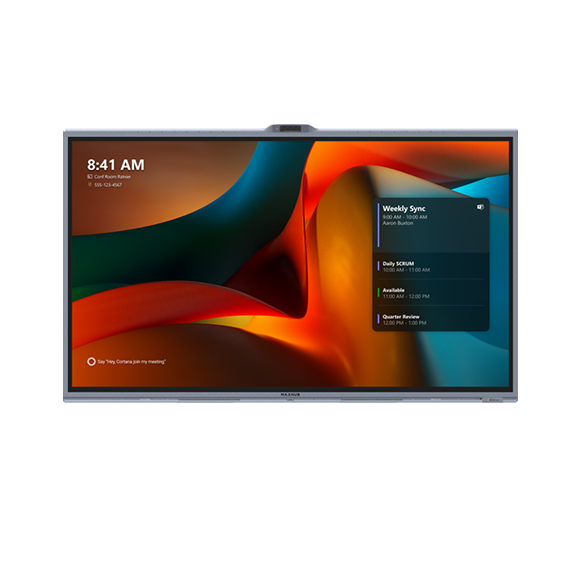
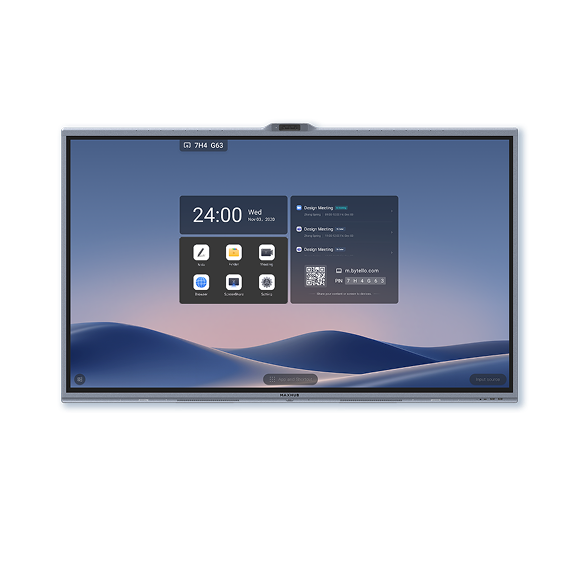
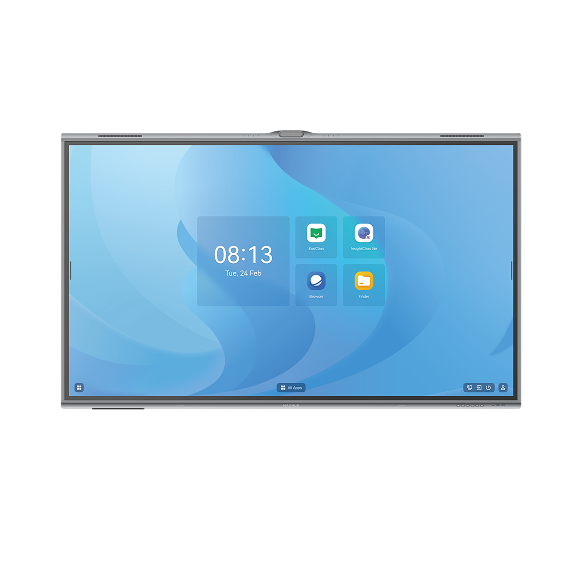
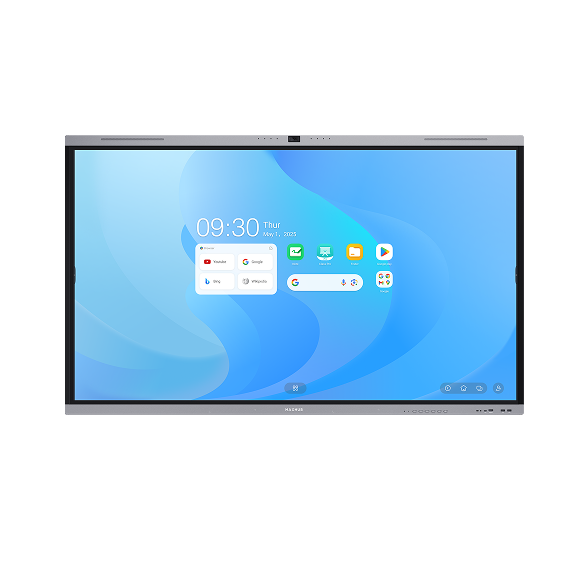
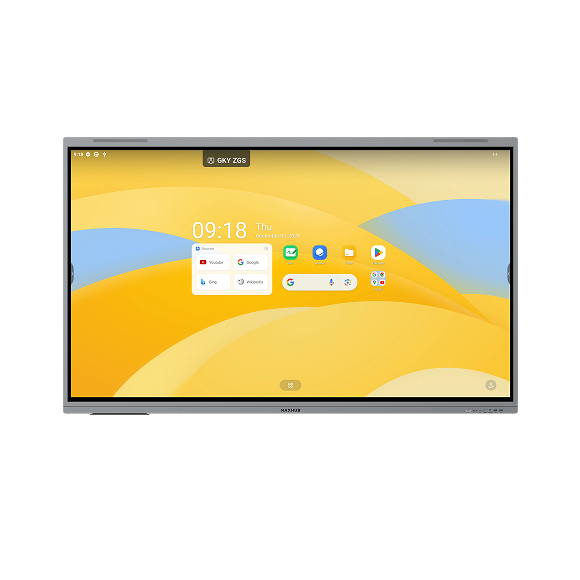
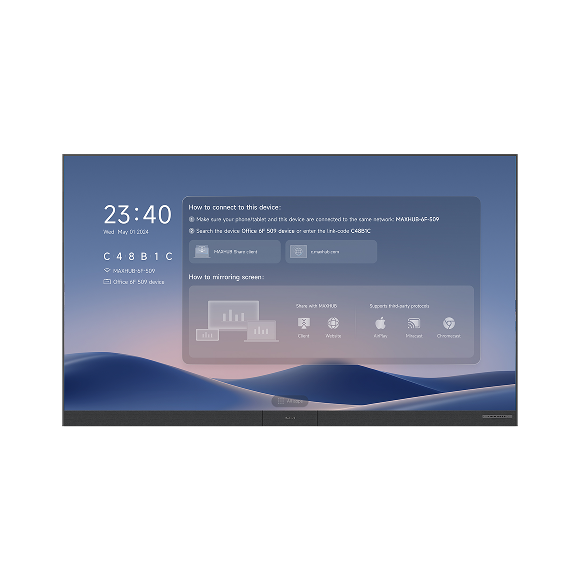
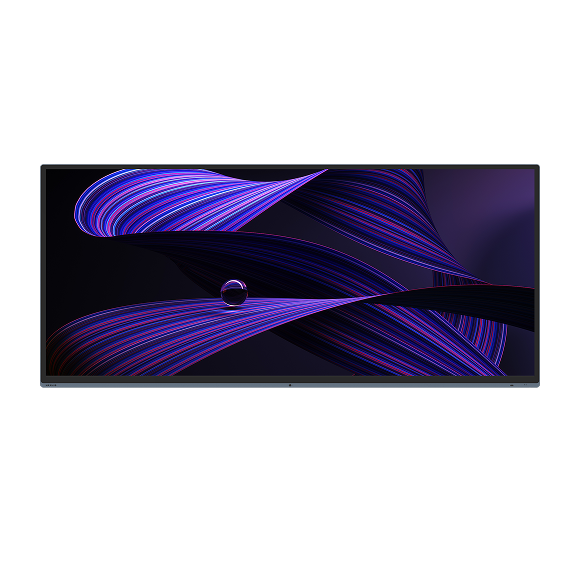
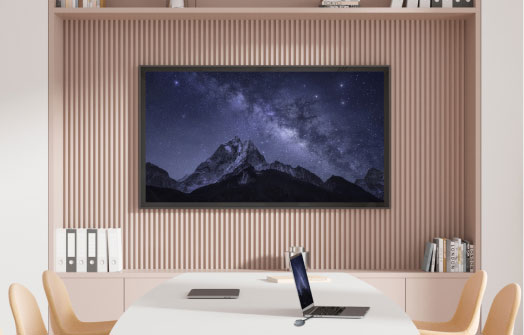
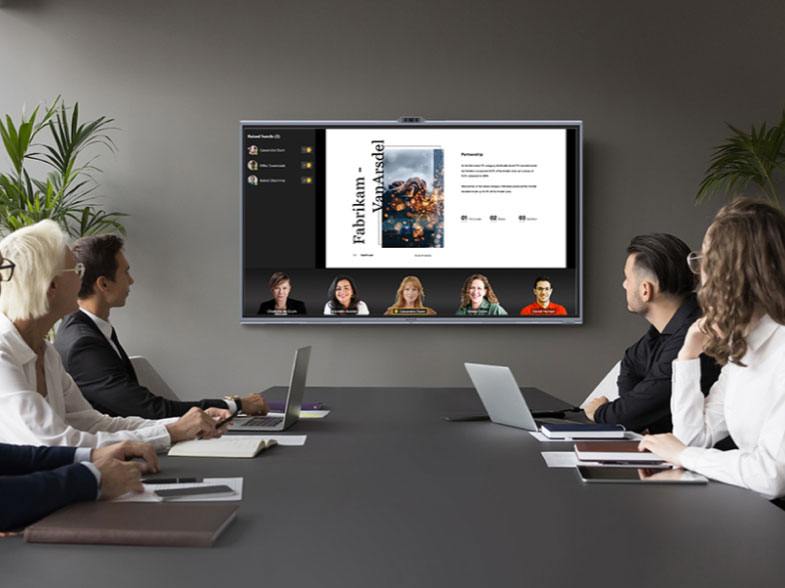
With an ultra‑narrow bezel and ultra‑thin, lightweight design, Raptor Series V3 Lite creates wall‑to‑wall immersion. It disappears into the room, letting the visuals connect without distraction.
The ultra‑thin, all‑in‑one design eliminates racks, power cabinets, and external processors—cutting the clutter. Plug in and go for instant performance and a cleaner, more refined meeting space.
Powered by an octa-core CPU (4×A76 + 4×A55), the system is designed to handle demanding and AI-enhanced tasks with responsive performance. With 4GB RAM, 64GB storage, and Android 13, it supports smooth multitasking and a reliable user experience.
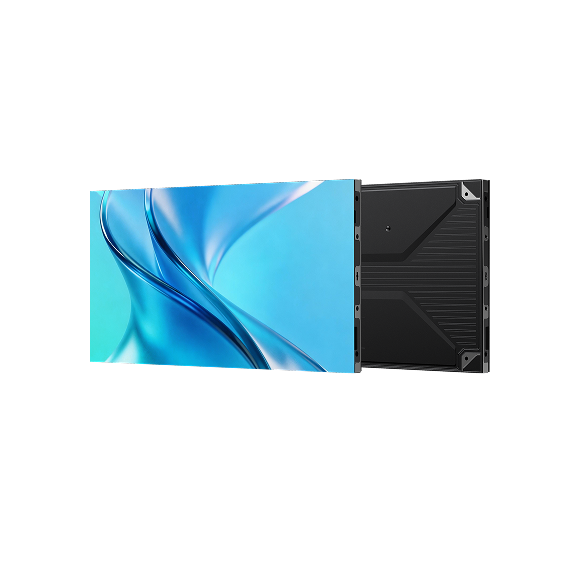
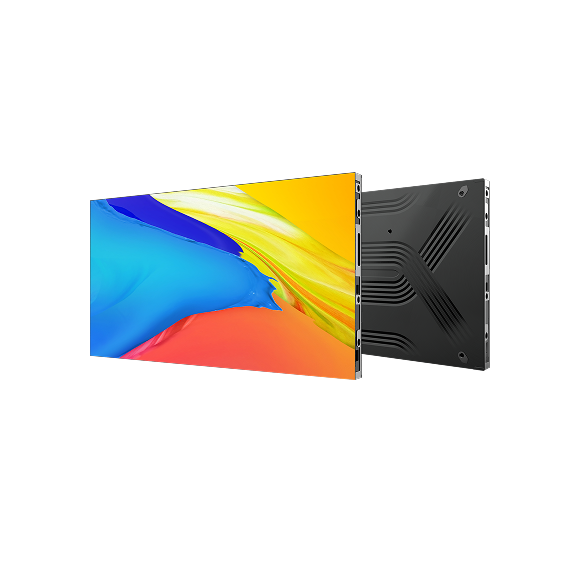
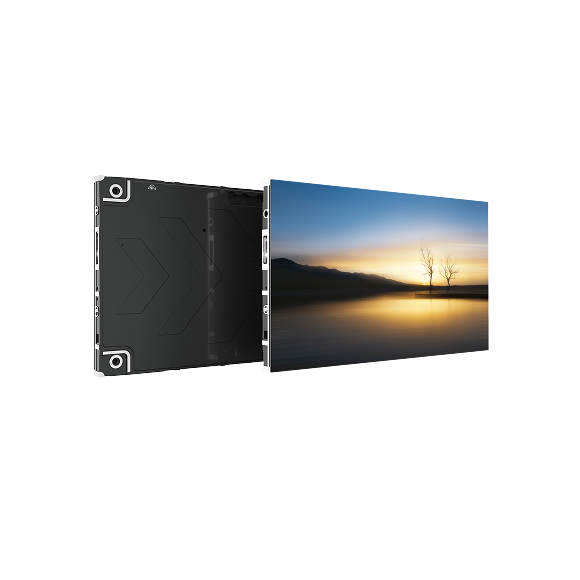
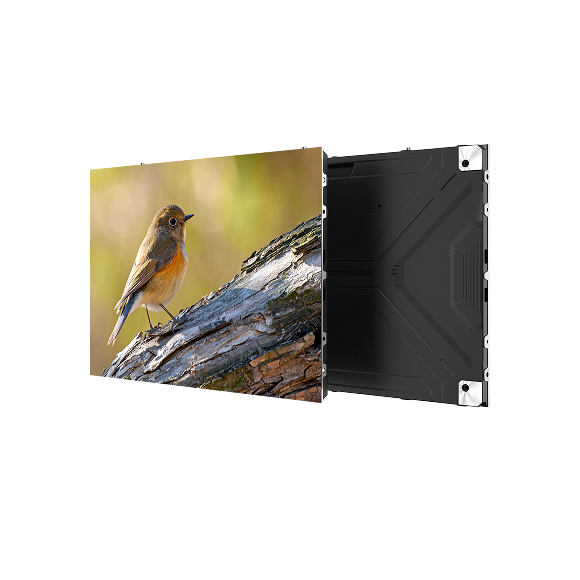
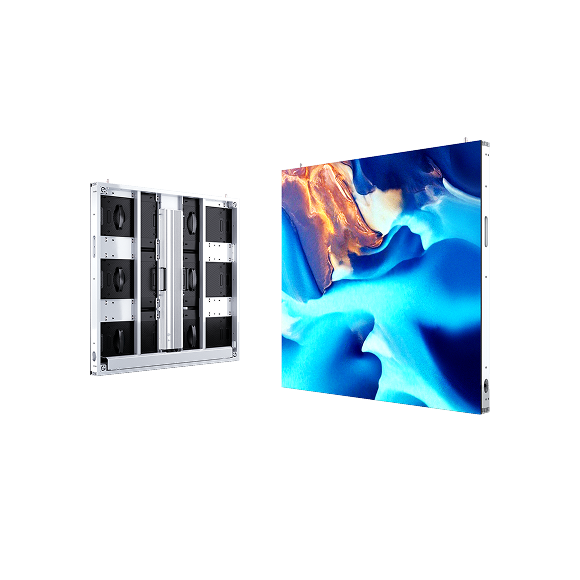
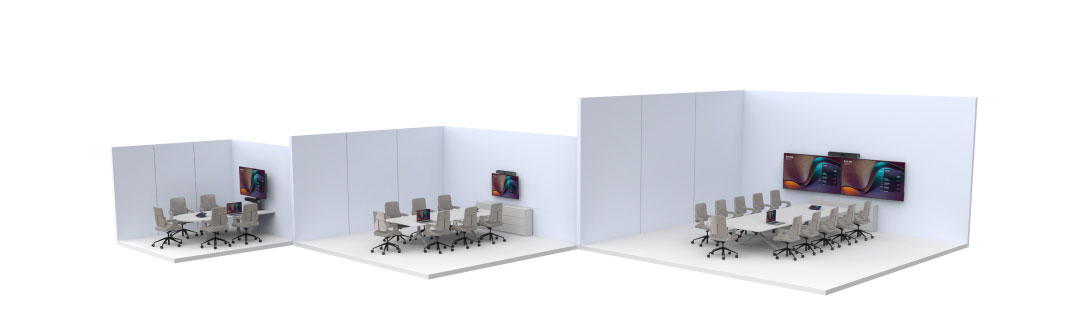
Featuring a unified cabinet design compatible with both SMD and COB technologies, offered in 135" and 162" sizes. From close-up corporate showrooms to large-scale lecture halls, we have the perfect model for every space.
A clean, streamlined design speeds deployment and simplifies service, so you spend less time setting up and more time getting work done.
Simplify management with MAXHUB Pivot+ — a one-stop platform for device control, content scheduling and space management across all your displays from a single interface. Significantly improve efficiency and minimize device downtime.
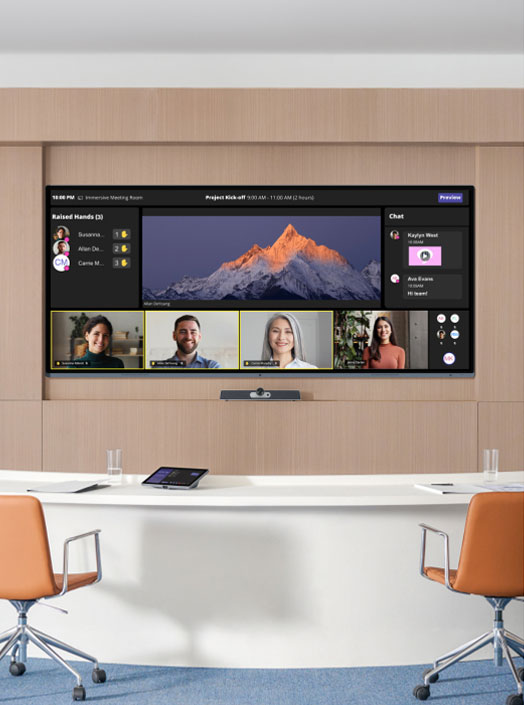
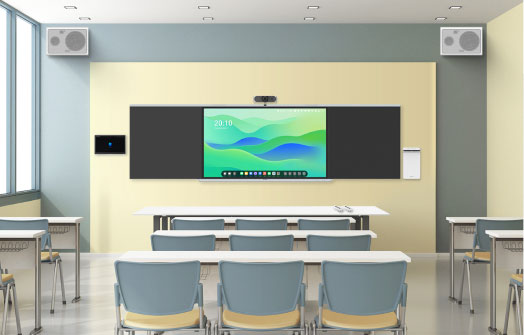
From training rooms and large conference spaces to corporate reception, it’s simple to deploy and intuitive to operate. A refined, minimalist design blends in beautifully and elevates every environment.

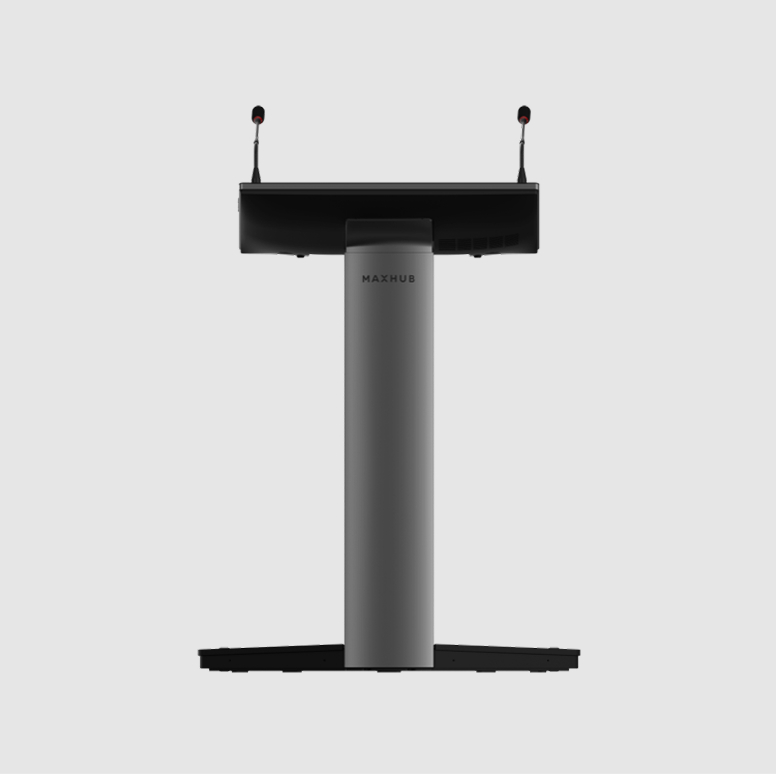
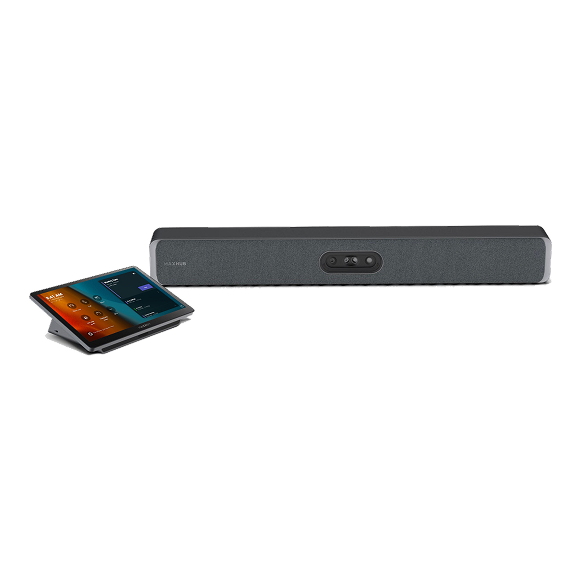
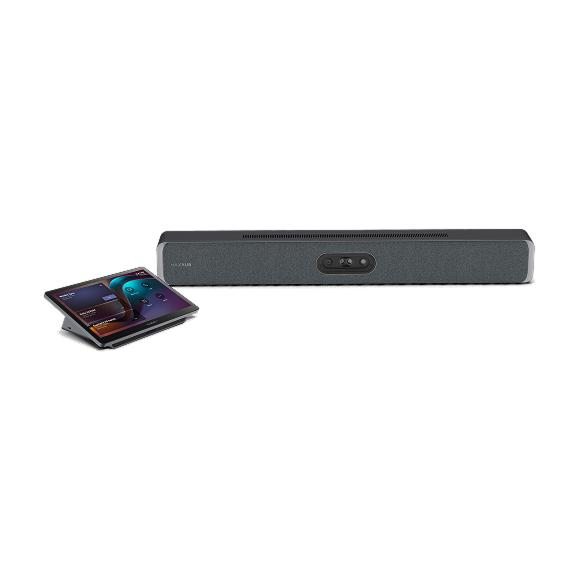
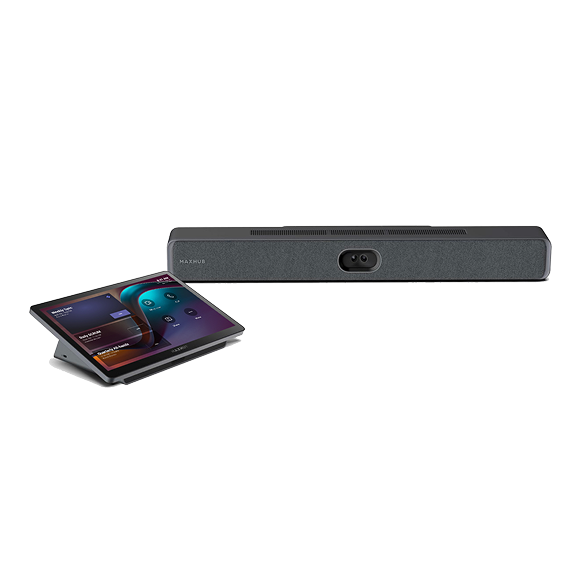
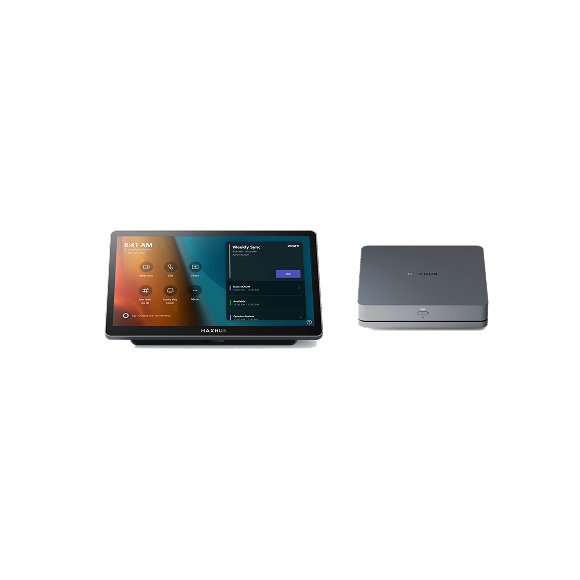
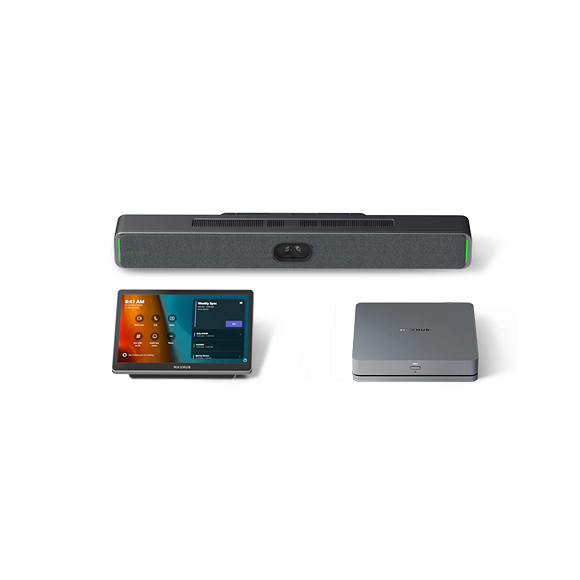
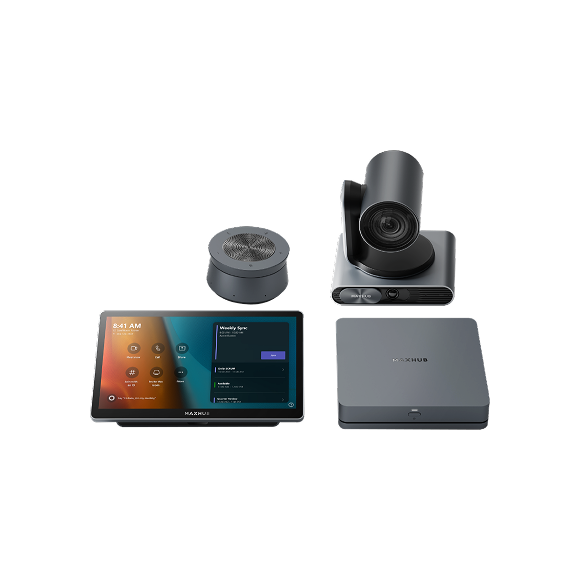
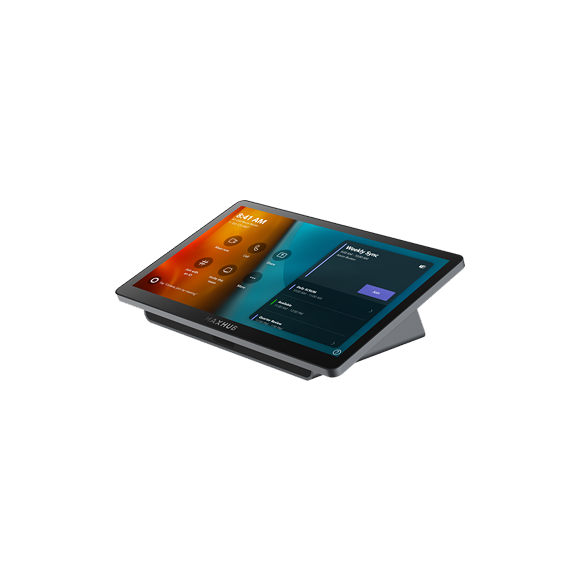
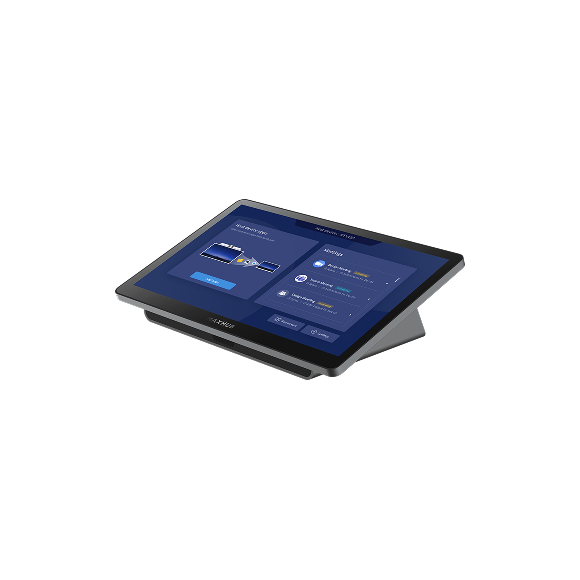
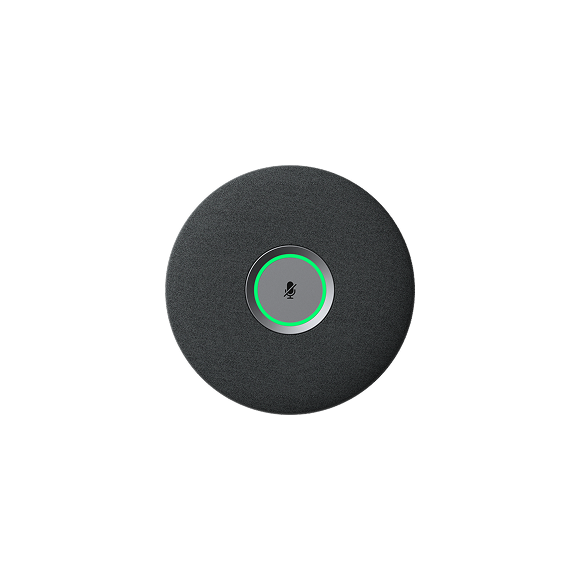
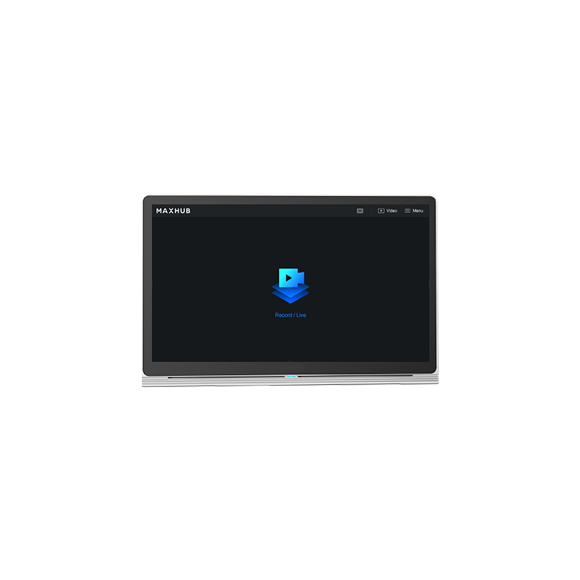
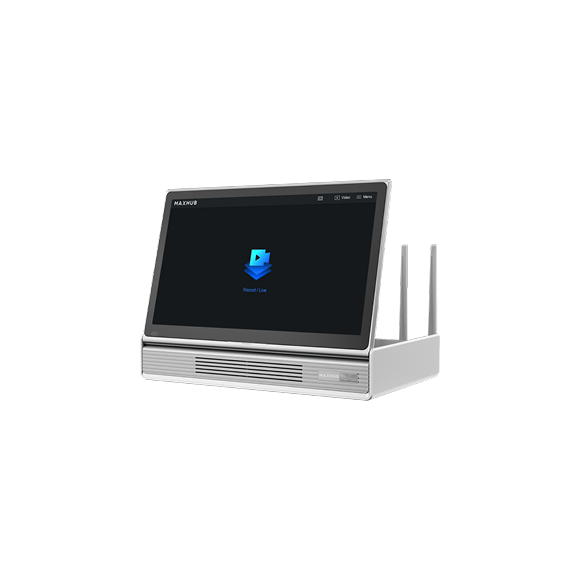
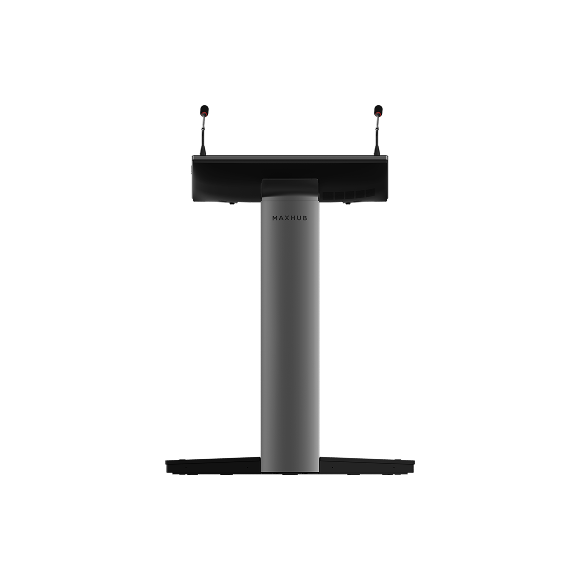
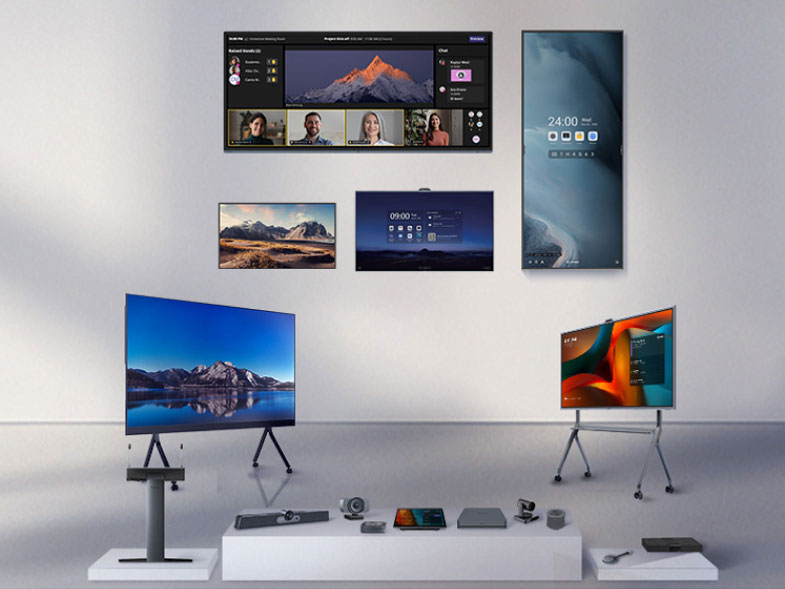
With built-in PC, mic, and touchscreen
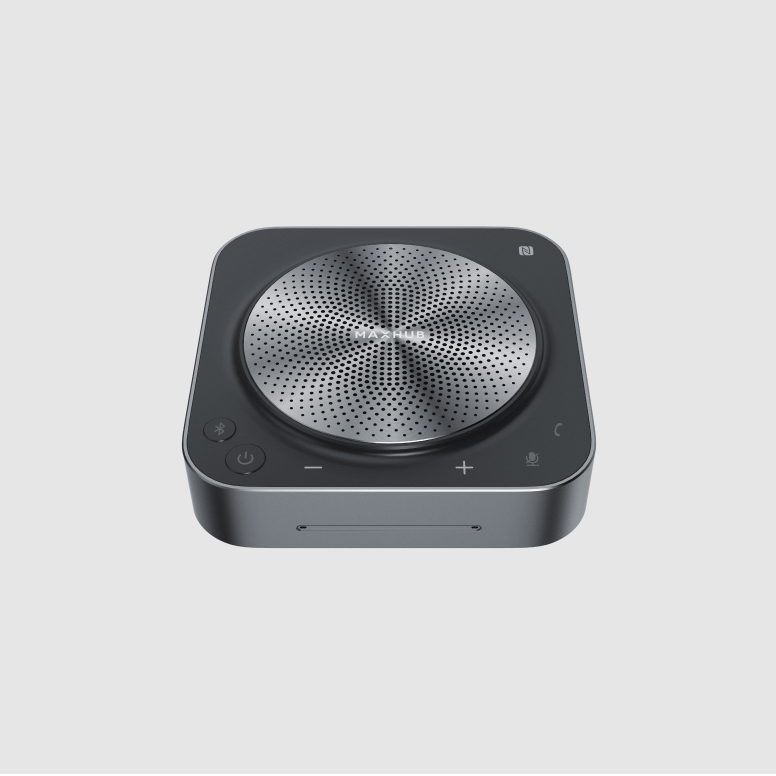
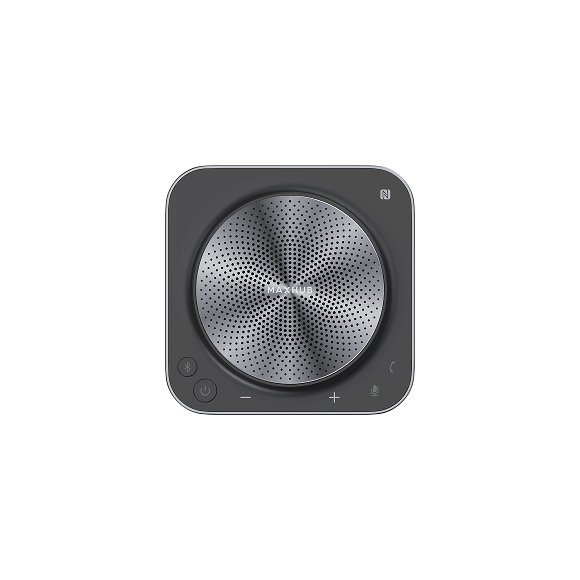
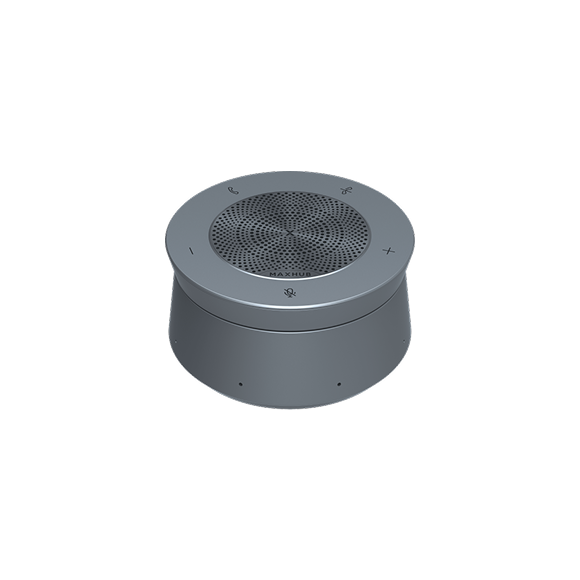
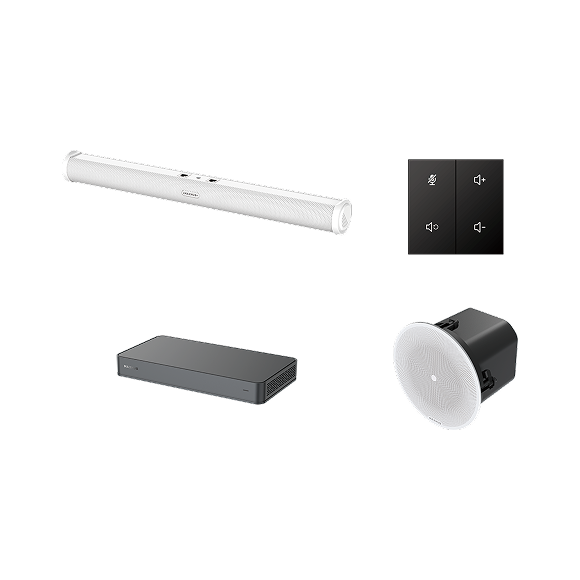
Bluetooth teleconference speakerphone
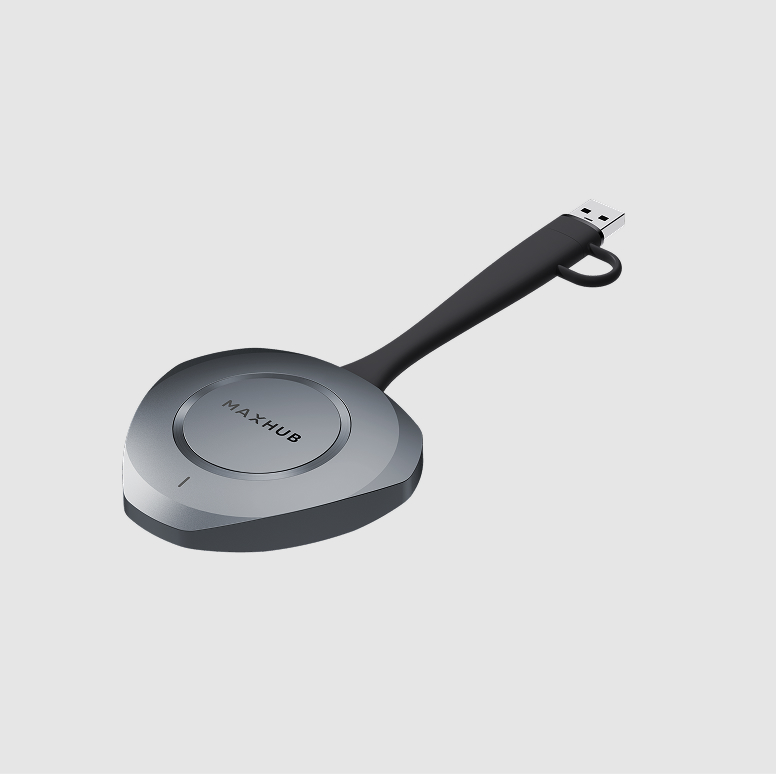
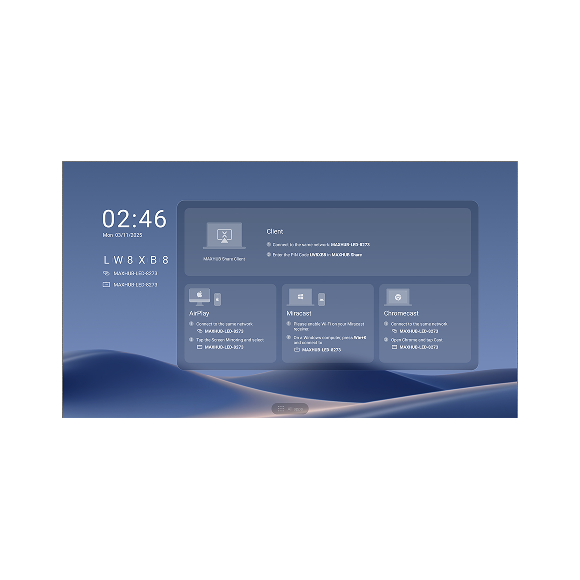
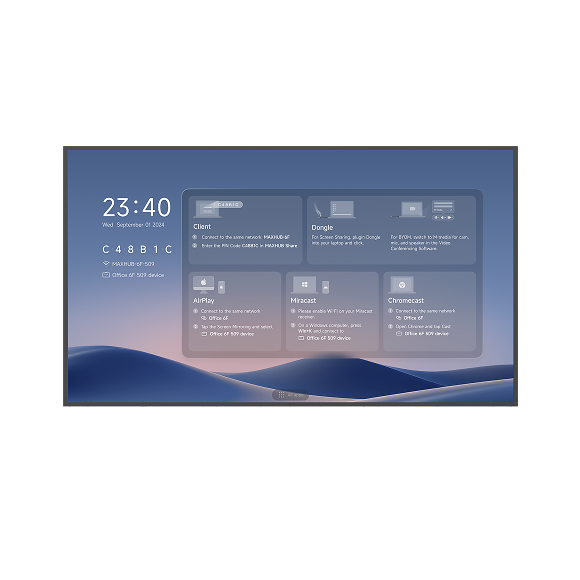
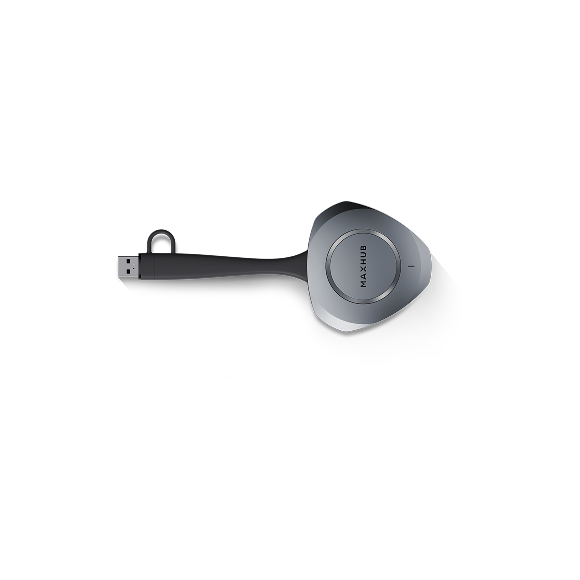
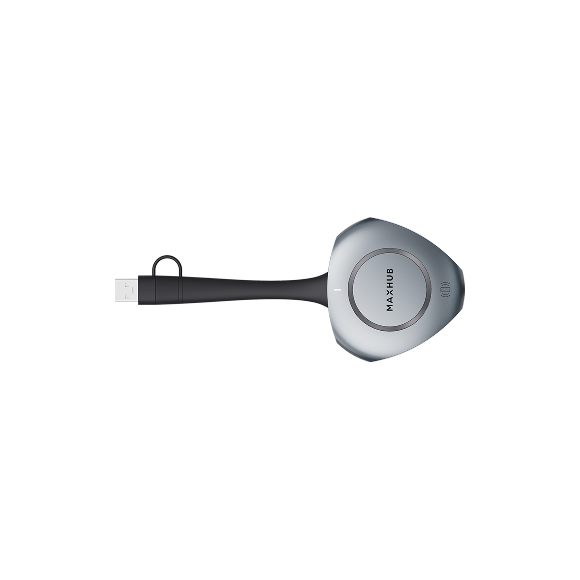
MAXHUB wireless screen sharing dongle
| Model | LP135V07C | LP135F07 | LP162V12C | LP162F07 |
|---|---|---|---|---|
| Display | ||||
| SLED Type | COB | SMD | COB | SMD |
| Screen Size | 135" | 135" | 162" | 162" |
| Aspect Ratio | 16:9 | 16:9 | 16:9 | 16:9 |
| Resolution | 1,920 × 1,080 | 1,920 × 1,080 | 2,304 × 1,296 | 1,920 × 1,080 |
| Brightness (Typ.) | 600 nits | 550 nits | 600 nits | 550 nits |
| Refresh Rate | 3,840 Hz | 3,840 Hz | 3,840 Hz | 3,840 Hz |
| Contrast Ratio (Typ.) | 15,000:1 | 6,500:1 | 15,000:1 | 6,500:1 |
| Viewing Angle (H × V) | 170° / 170° | 160° / 160° | 170° / 170° | 160° / 160° |
| Built-in System | ||||
| Operating System | Android 13.0 | Android 13.0 | Android 13.0 | Android 13.0 |
| CPU | 4 × Cortex-A76 + 4 × Cortex-A55 | 4 × Cortex-A76 + 4 × Cortex-A55 | 4 × Cortex-A76 + 4 × Cortex-A55 | 4 × Cortex-A76 + 4 × Cortex-A55 |
| RAM | 4 GB | 4 GB | 4 GB | 4 GB |
| ROM | 64 GB | 64 GB | 64 GB | 64 GB |
| Connectivity | ||||
| HDMI IN | × 2 | × 2 | × 2 | × 2 |
| USB 3.0 | × 1 | × 1 | × 1 | × 1 |
| AUDIO OUT | × 1 | × 1 | × 1 | × 1 |
| RS232 | × 1 | × 1 | × 1 | × 1 |
| RJ45 IN | × 1 | × 1 | × 1 | × 1 |
| Bluetooth | 5.3 | 5.3 | 5.3 | 5.3 |
| Feature | ||||
| Screen Share | Screen sharing with wireless dongle MAXHUB Share |
Screen sharing with wireless dongle MAXHUB Share |
Screen sharing with wireless dongle MAXHUB Share |
Screen sharing with wireless dongle MAXHUB Share |
| Special Features | Front maintenance and hot swapping Pivot⁺ Cloud Management |
Front maintenance and hot swapping Pivot⁺ Cloud Management |
Front maintenance and hot swapping Pivot⁺ Cloud Management |
Front maintenance and hot swapping Pivot⁺ Cloud Management |
| Physical Specification | ||||
| Dimension (W × H × D) | 3,012 × 1,699.5 × 31 mm | 3,012 × 1,699.5 × 31 mm | 3,612 × 2,037 × 31 mm | 3,612 × 2,037 × 31 mm |
| Net Weight | 95 kg | 95 kg | 126.8 kg | 126.8 kg |
{$ text $}
