
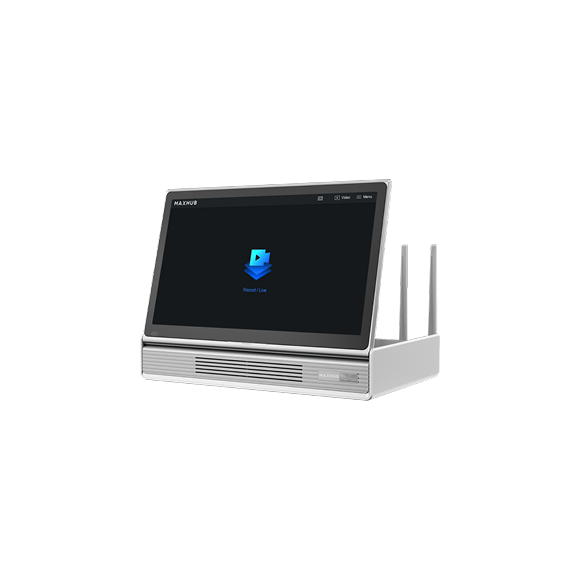
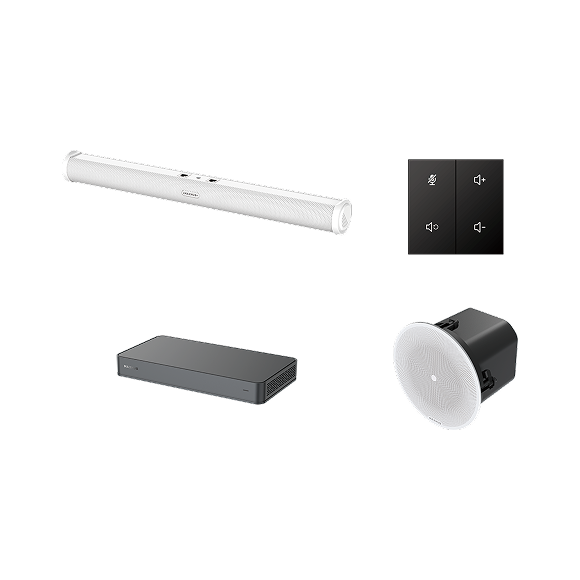












Trust is fundamental to how MAXHUB designs, manufactures, and operates its collaboration products.
This page describes the independent assurance, regulatory frameworks, and technical safeguards that apply to MAXHUB hardware, software, and cloud services for our customers.
Security, privacy, and regulatory compliance are audited by independent third parties, and continually improved.


Customers Usually Ask Us:
Independent Assurance and Regulatory Alignment
NIS 2 Directive
MAXHUB operates organisational measures aligned with the NIS 2 Directive (EU 2022/2555) as transposed into national law in the European member states. Our NIS 2 alignment statement covers governance, incident handling, supply-chain security...

SOC 2 Type I
Independent SOC 2 Type I report issued by Ernst & Young Hua Ming LLP, covering MAXHUB OS and MAXHUB Pivot Plus against the AICPA Trust Services Criteria for Security, Availability, Confidentiality, and Privacy. The full report is available to...

IOActive Security Assessment
Independent third-party security assessment of MAXHUB OS on the XBoard V7 platform, performed by IOActive — a globally recognised cybersecurity firm with over 25 years of experience and clients across the Global 500. The engagement...

ISO/IEC 27001:2022
The MAXHUB manufacturer entity, Guangzhou Shirui Electronics Co., Ltd., is certified to ISO/IEC 27001:2022 — the international standard for Information Security Management Systems — by CEPREI Certification Body. The certificate covers...
Cloud Services and Data Residency
Where is data hosted, and who operates the infrastructure?
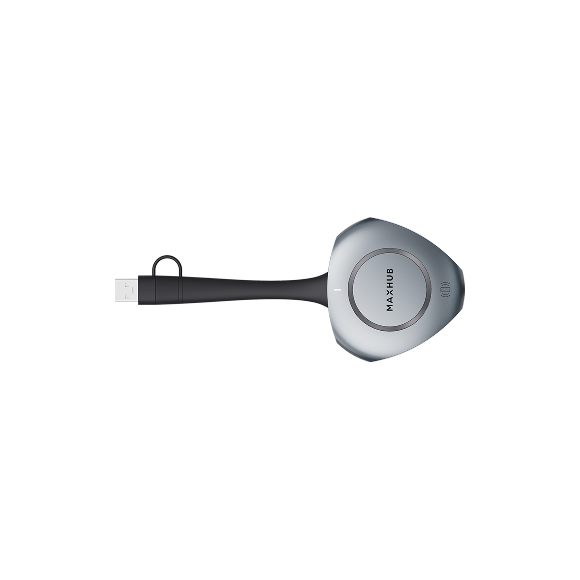
All MAXHUB data is stored exclusively on regional servers and never leaves the region. MAXHUB cloud services: MAXHUB OS, MAXHUB Pivot+ (device management), MAXHUB Share (wireless presentation cloud component), and MAXHUB MTR are deployed on Microsoft Azure.
Three regional deployments are available globally. Regional isolation between deployments is enforced at the Azure platform level. No cross-region data transfer takes place as part of normal product operation.

Germany, Europe
Microsoft Azure

US West, North America
Microsoft Azure

Singapore, Asia
Microsoft Azure
Who controls the data, and who has access?
The customer is the sole data controller for data generated by the customer's deployed devices and stored in the customer's tenant. MAXHUB acts as the data processor under a Data Processing Agreement consistent with Article 28 of the GDPR. MAXHUB does not use customer data for its own purposes.
MAXHUB engineering personnel do not have standing access to customer data. For example access to a customer's Pivot+ tenant or to data within it requires the customer's explicit authorisation and a user-granted permission, on a per-request basis. The customer remains in control of when access is granted, the scope of access granted, and when access is withdrawn.
Infrastructure-level administrative access to the cloud environment is restricted to a defined set of authorised MAXHUB personnel under documented role-based access controls and multi-factor authentication. Access is logged, monitored, and reviewed periodically under our ISO/IEC 27001-certified Information Security Management System. The design of these controls is within the scope of our SOC 2 Type I report audited by Ernst & Young.
For deployments where any vendor access to deployed devices is unacceptable under the customer's threat model, MAXHUB supports a fully offline / locally-managed deployment in which Pivot+ is not used at all. In this model, no MAXHUB personnel have any access to deployed devices, because no remote access path exists.
Encryption
In transit, communication between MAXHUB cloud services and clients is encrypted using TLS 1.2. At rest, sensitive data, including account credentials and email addresses, is additionally encrypted using AES/CBC/PKCS5.
How Secure Are the Products Themselves?
Beyond cloud security, enterprise and public-sector security reviews increasingly assess the security of the product itself: how it is designed and built, how firmware is updated, how vulnerabilities are handled, and how long it is supported. This section answers those questions for MAXHUB hardware and software.
Secure Development Lifecycle
MAXHUB develops products under a documented secure development lifecycle governed by our ISO/IEC 27001:2022-certified Information Security Management System. Security is considered at design, development, testing, and release stages, including threat modelling, security testing, and code review. For MAXHUB OS, this is supplemented by independent third-party security assessment. The IOActive assessment of MAXHUB OS on the XBoard V7 platform (see Section 2).
Hardware Security
MAXHUB OS
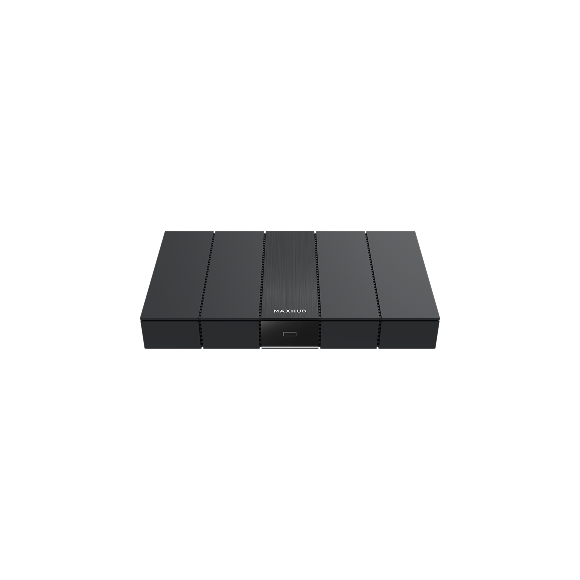
Built on 12th Gen Intel Core platforms with firmware verified against the manufacturer's signed certificates, locked hardware debug ports, and protected UEFI BIOS System Management Mode. Security is anchored by TPM 2.0, UEFI Secure Boot, BitLocker full-disk encryption, Hypervisor-protected Code Integrity (HVCI), Credential Guard, and Kernel DMA Protection, on Windows 11 Pro Enterprise.
MAXHUB Microsoft Teams Rooms
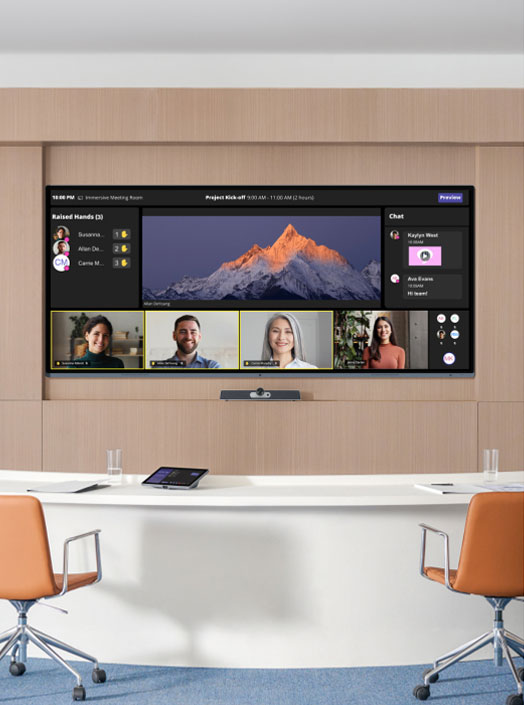
Products come in two platform families, each with its own security model. Both are certified under the Microsoft Teams Rooms certification programme.

Windows-based products
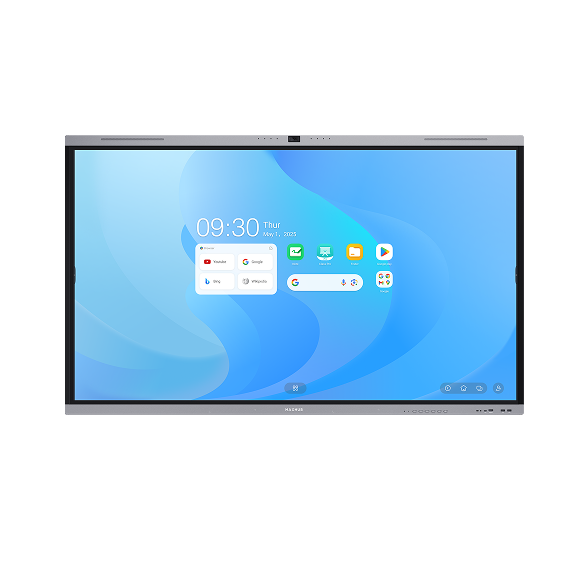
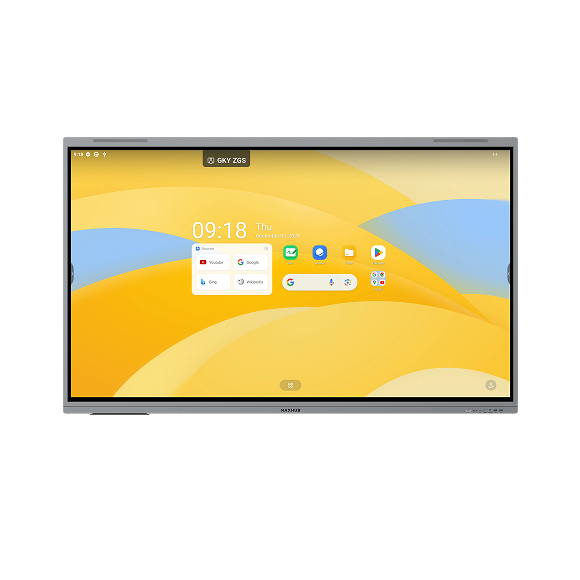
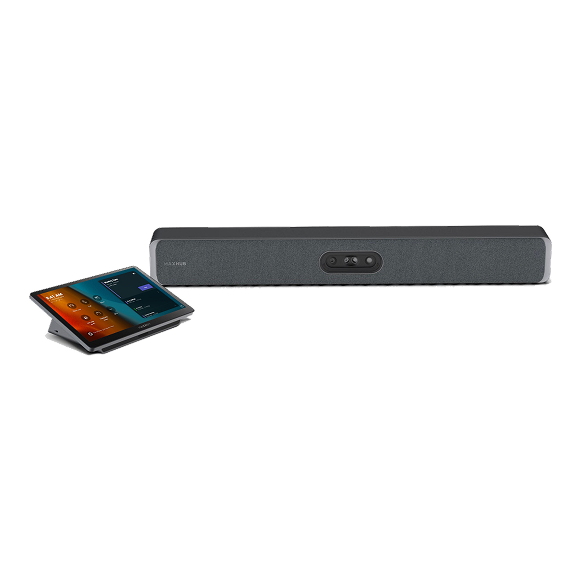
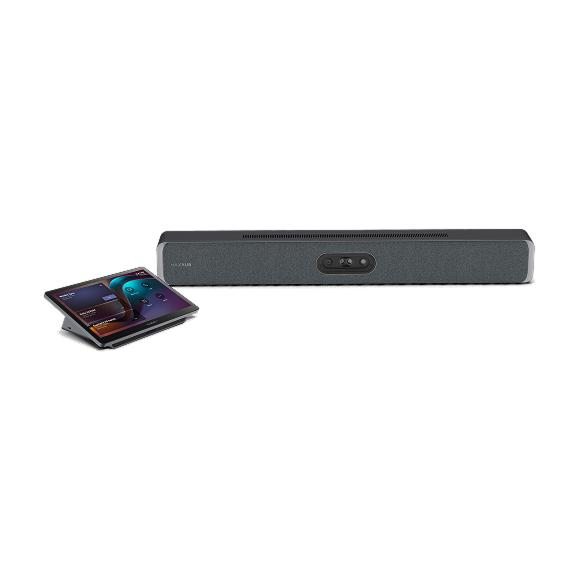
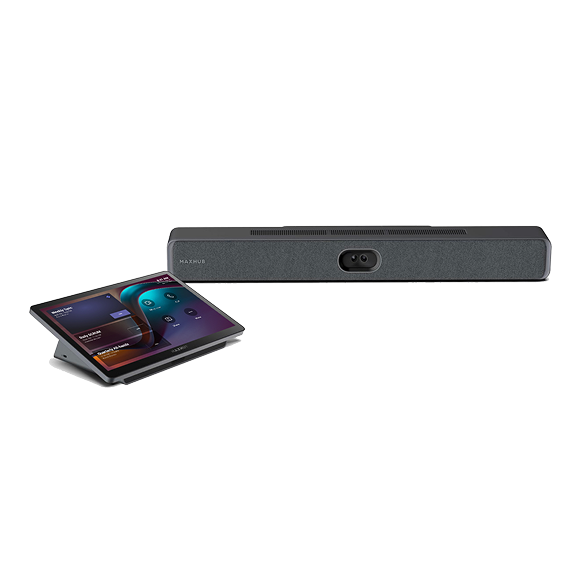
(e.g. W70 video bar, XCore compute kits, V7 XBoard)
Built on 12th Gen Intel Core platforms with firmware verified against the manufacturer's signed certificates, locked hardware debug ports, and protected UEFI BIOS System Management Mode. Security is anchored by TPM 2.0, UEFI Secure Boot, BitLocker full-disk encryption, Hypervisor-protected Code Integrity (HVCI), Credential Guard, and Kernel DMA Protection, on Windows 11 IoT Enterprise.

Android-based products
(V50 and V70 video bars)
Built on the Microsoft Device Ecosystem Platform (MDEP) — Microsoft's secured, enterprise-grade Android platform for Teams devices, not a standard Android build. The V50 and V70 currently run Android 13, with a planned upgrade to Android 15. As MDEP devices, they provide Secure Boot to ensure only trusted software loads at startup, hardware-backed device attestation via Microsoft's PKI to verify device integrity before boot, and Microsoft Secure Pairing to prevent unauthorised network access. Device attestation allows applications to verify the security state of the device before enabling services, supporting a Zero Trust posture. The devices run as locked-down appliances, support Android-based encryption enforceable through Microsoft Intune compliance policies, and are managed and monitored through Teams Admin Center and Microsoft Intune.
Firmware Updates and Signing
MAXHUB supports two firmware update models, which customers choose between based on their security posture:
- Cloud-managed — Pivot+ pushes signed firmware updates with administrator approval. Customer IT teams can stage, schedule, and roll back updates. The full network path is documented in the per-product security whitepaper.
- USB / fully offline — firmware update packages applied via USB, suitable for air-gapped environments and high-assurance deployments.
Software and Firmware Updates
(Windows products)
All firmware images are cryptographically signed, and update authenticity is verified against the manufacturer's signing certificate before installation. On Windows-based products (MTR, MAXHUB OS on V7), Secure Boot and TPM 2.0 measured boot protect the integrity of the boot chain.
Software and Firmware Updates
(Android products)
Security and platform updates follow a two-channel model. Microsoft delivers operating-system and platform security updates directly to MDEP devices, reducing dependency on OEM-specific update cycles and the fragmentation that affected earlier Android Teams devices. MAXHUB delivers device-level firmware updates for the hardware and its components. Together, this keeps both the Microsoft-owned platform layer and the MAXHUB-owned hardware layer current.
Vulnerability Management and Coordinated Disclosure
MAXHUB operates a coordinated vulnerability disclosure process. Security researchers, customers, and partners can report a suspected vulnerability in a MAXHUB product or service to security@maxhub.com. Reports are acknowledged, triaged by severity, and remediated through our product security process under the ISO/IEC 27001 management system. We coordinate remediation timelines with the reporter and aim to handle disclosure responsibly.
Product Lifecycle and Security Update Commitments
MAXHUB provides security updates for supported products throughout their supported lifecycle. Support lifetimes and end-of-support dates are defined per product line so that customers can plan refresh cycles and demonstrate, in their own audits, that deployed devices remain within a supported and patched window.
- Product Lifecycle and End-of-Support Policy: see document library (Policies)
For the Microsoft-owned layers, MAXHUB recommends customers review Microsoft's own security documentation:
- Microsoft Teams Rooms security documentation (Microsoft Learn).
- Windows 11 IoT Enterprise security documentation (Microsoft Learn).
What this means for you:
If your review covers product security and lifecycle (firmware, vulnerability handling, security design, supported lifetime), this section answers it directly. For MTR specifically, you get a clear split between what MAXHUB secures and what Microsoft secures, with links to both parties' documentation — so your security team can complete a full assessment without gaps.
If your review covers product security and lifecycle (firmware, vulnerability handling, security design, supported lifetime), this section answers it directly. For MTR specifically, you get a clear split between what MAXHUB secures and what Microsoft secures, with links to both parties' documentation — so your security team can complete a full assessment without gaps.
Our Partners
The strongest answer to "why should we trust you" is independent validation. Our partners fall into three groups: the technology providers whose platforms our products are built on, the independent firms that assess and audit our security, and the bodies that certify our management systems.
All
Technology and ecosystem partners
Independent security assessors
Certification bodies

Microsoft
Microsoft Teams Rooms hardware partner. From standard Windows and Android MTR devices to the unique MAXHUB XBar W70 Kit which was the first Windows Teams-certified video bar.

Intel
Titanium Partner status, the highest tier in the Intel Partner Alliance. MAXHUB MTR compute modules are built on the 12th Gen Intel Core platform with signed firmware verification, locked debug ports, and protected UEFI BIOS system management mode.

Microsoft Azure
Cloud infrastructure provider for MAXHUB cloud services, with EU data residency for EU customers.
IOActive
Independent third-party security assessor for MAXHUB OS (founded 1998; Global 500 client base).

Ernst & Young
Big Four firm; independent auditor for the MAXHUB SOC 2 Type I report.
BSI
British Standards Institution; certification body for ISO/IEC 27701:2019 (Privacy Information Management System).

CEPREI
Accredited certification body for ISO/IEC 27001:2022 (Information Security Management System).
Document Library
All MAXHUB security and privacy documentation is available on request. Complete a short form and you will automatically download requested documents.
Independent audit reports the SOC 2 Type I report and the IOActive assessment letter are subject to a non-disclosure agreement under the auditors' restricted-use terms.
Certificates
Reports
Policies
Security
Privacy
Data Act
Statement
Certifications
Independent audit reports & assessments
Policies
Product security overviews
Privacy documents
Data Act
Statement
No documents found.
Contact, Document Requests & Security Inquiries
Whatever stage you are at — evaluating MAXHUB, running a security review, or reporting an issue — this is where to reach us.

Request compliance documents
Request any of the certifications, audit reports, policies, product security overviews, or privacy documents listed in the document library. Public documents are typically provided within one business day; NDA-gated audit reports within two business days of NDA signature.

Contact the security team
For security and trust enquiries — including questions about our certifications, cloud architecture, data residency, or product security — contact the MAXHUB security team.
Email: security@maxhub.com

Submit a security questionnaire
If your organisation uses a standard security questionnaire as part of supplier onboarding — such as the CAIQ (Cloud Security Alliance), the SIG (Shared Assessments), or your own vendor security assessment — send it to us and our team will complete and return it. Where your questions map to existing documentation, we will reference the relevant document to speed up your review.
Email: security@maxhub.com

Report a vulnerability
If you believe you have found a security vulnerability in a MAXHUB product or service, please report it to our security team. Include the affected product, model, firmware version, a description of the issue, and reproduction steps where possible. We acknowledge reports, triage by severity, and coordinate remediation under our ISO/IEC 27001 management system.
Email: security@maxhub.com

EU Data Act Request
Request access to product-generated data under the EU Data Act; standard data and public documents are made available directly, while trade secret-protected content is provided upon execution of a confidentiality agreement.


