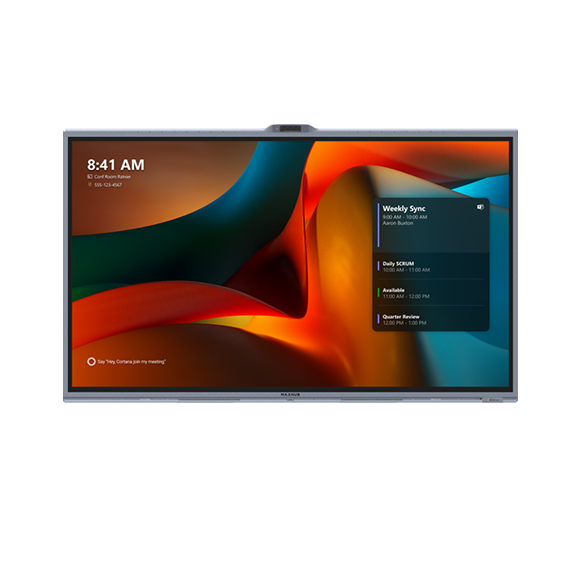


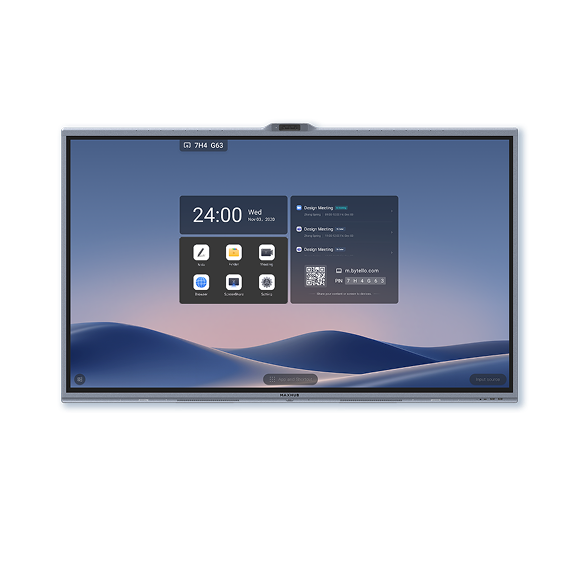
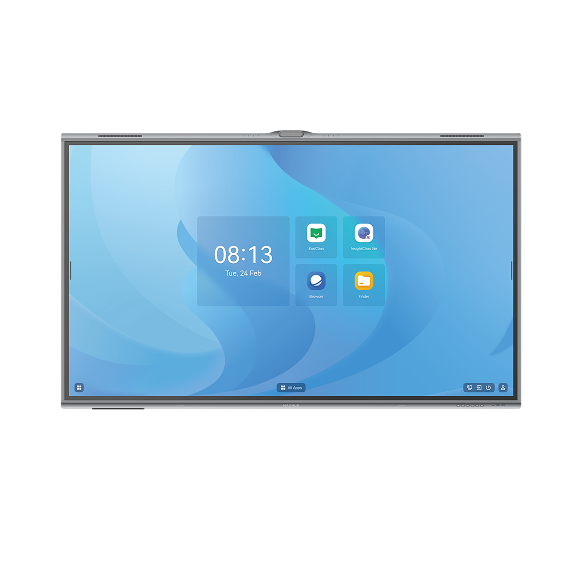
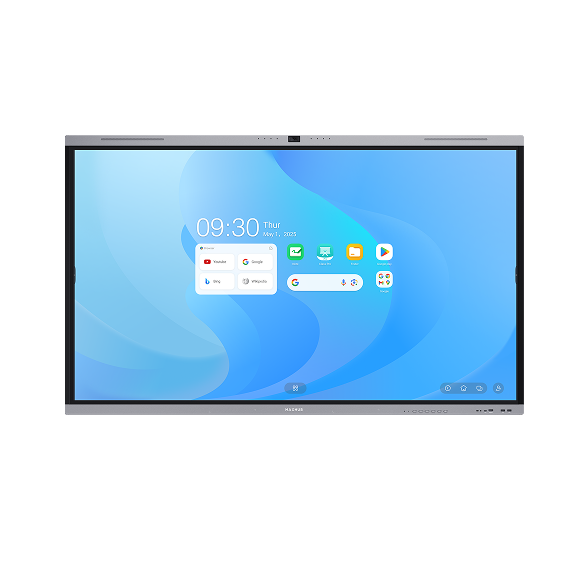
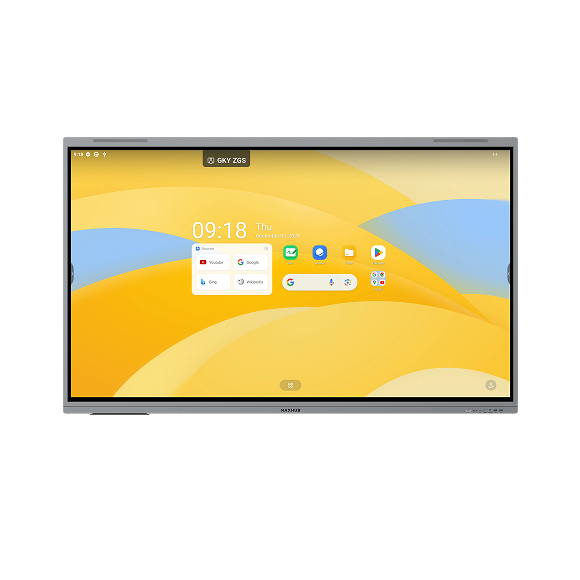
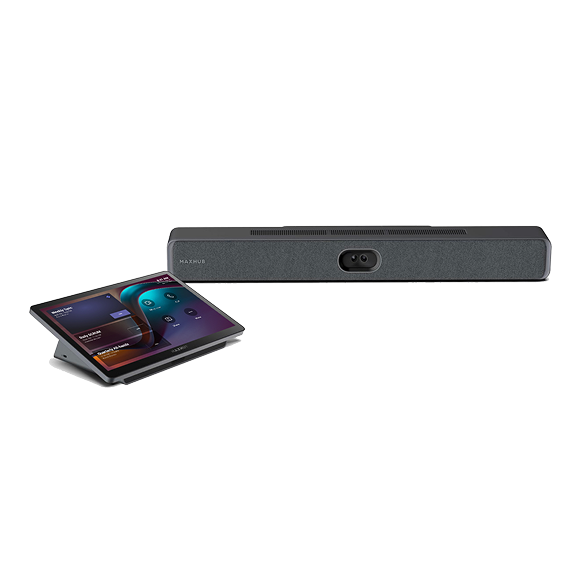
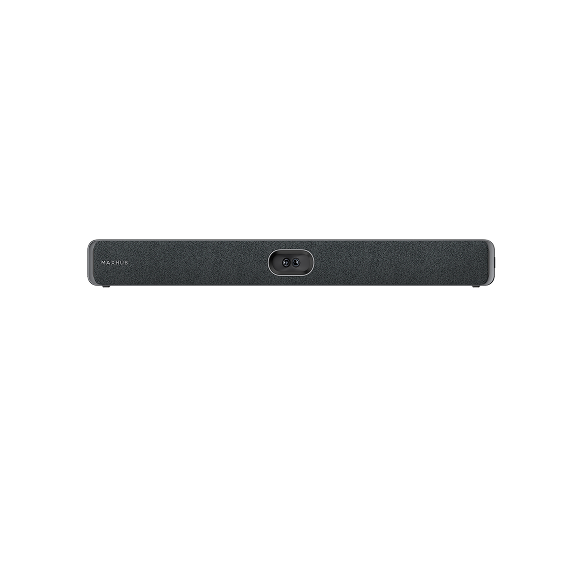
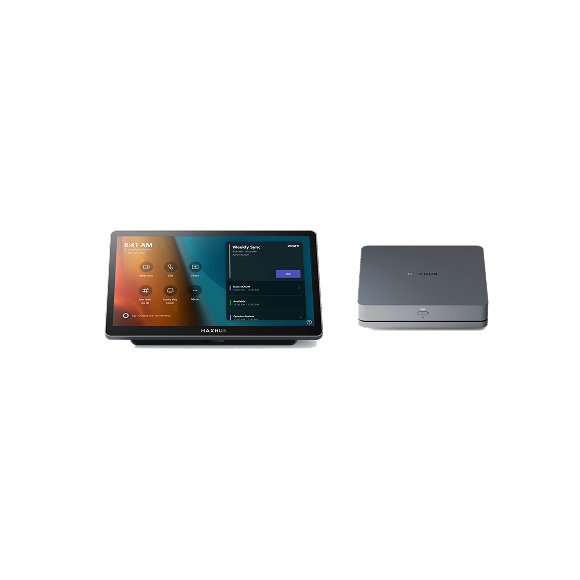
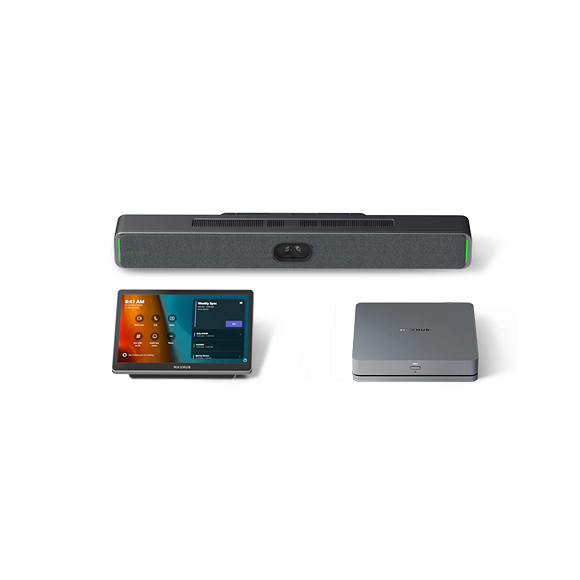
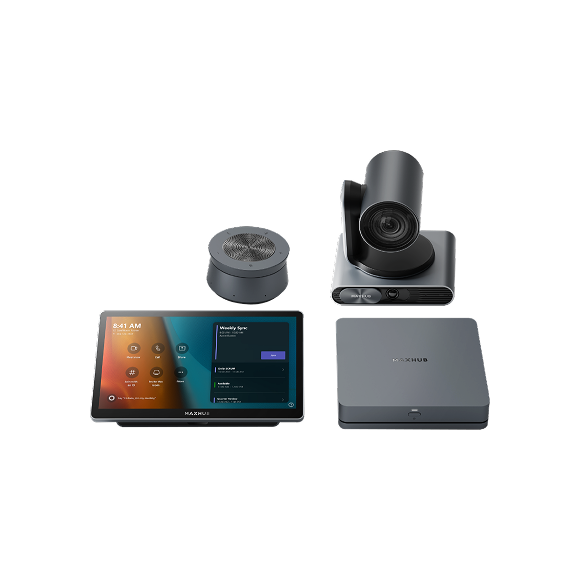
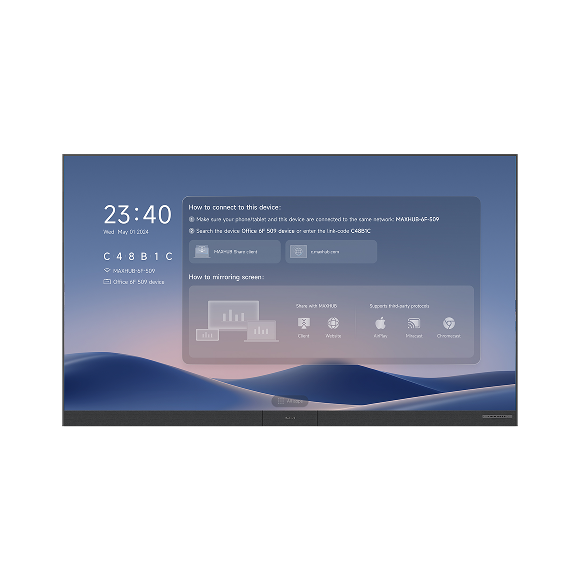
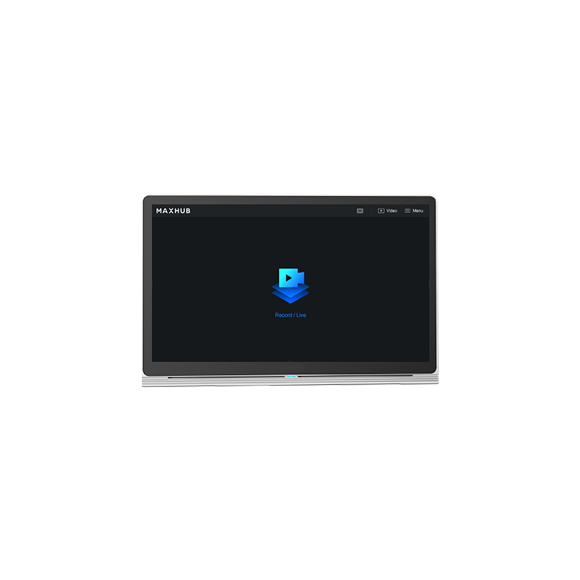
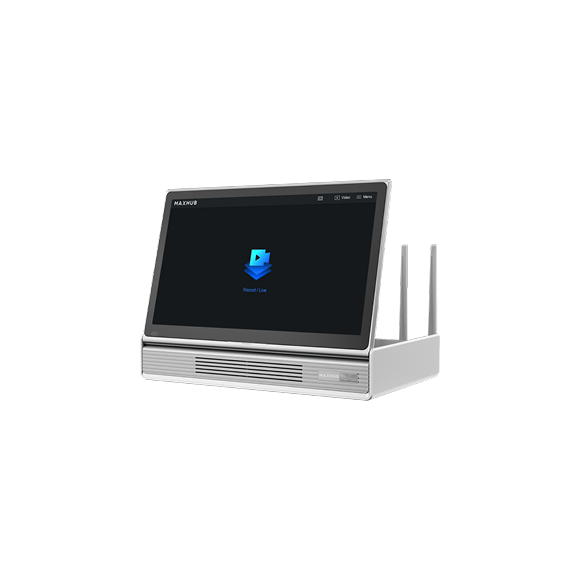








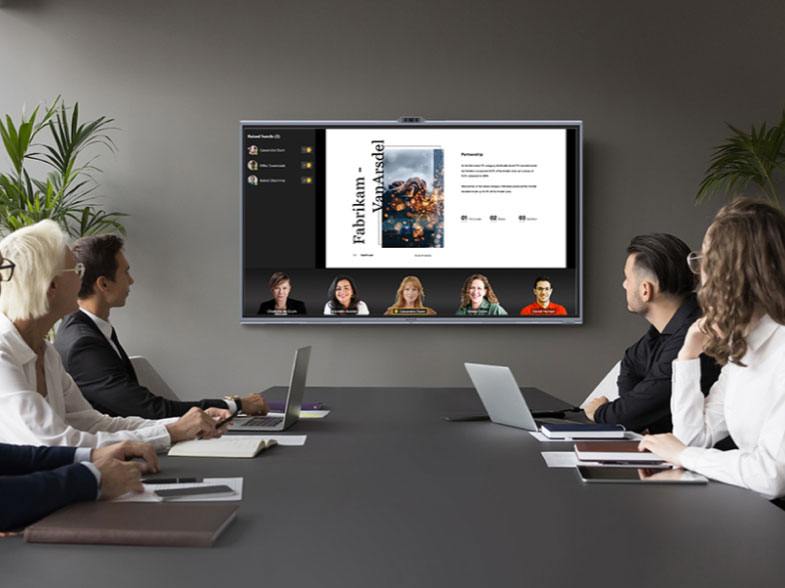

MAXHUB XBOARD
FOR MICROSOFT TEAMS ROOMS
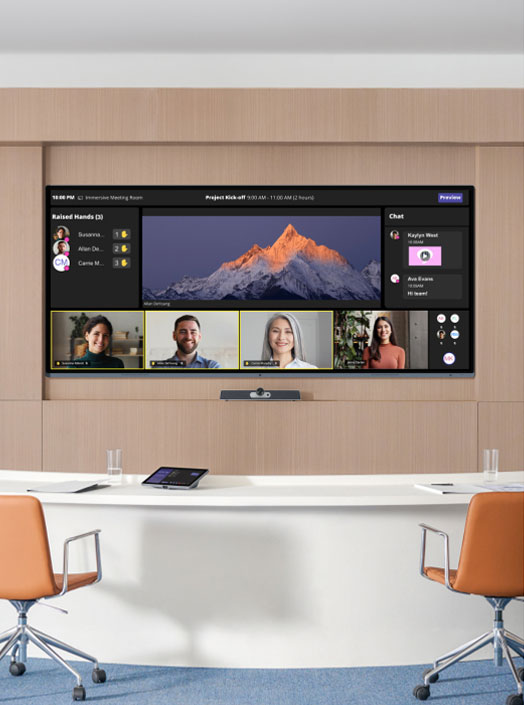
The first Teams-certified interactive display with Trident Lens system and Windows 11 IoT, providing an all-in-one solution for diverse spaces.
ALL-IN-ONE SIMPLICITY
Optimize Your Meeting Room Devices
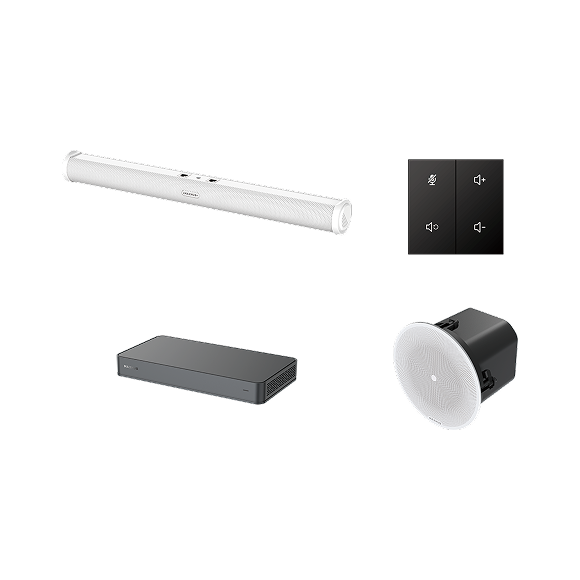
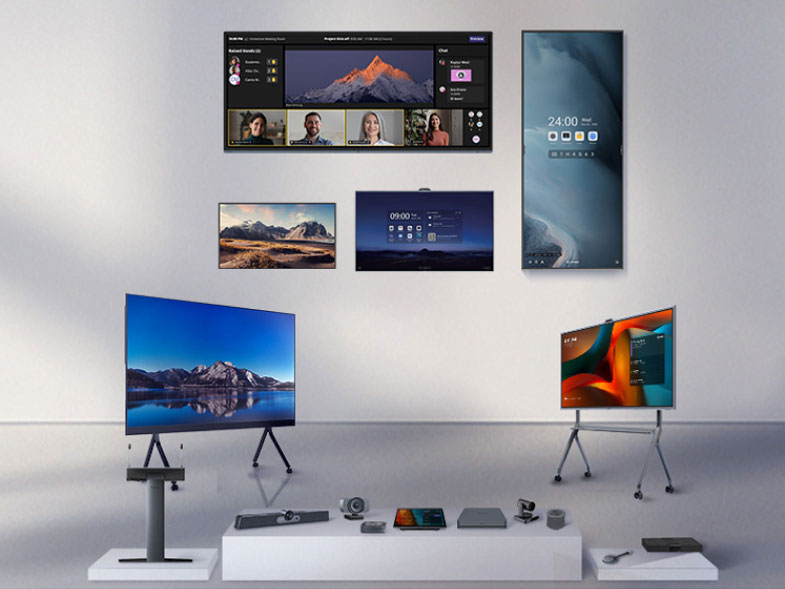
Discover an integrated solution that combines a touch screen, cameras, speakers, microphones, computer, and versatile mounting options. Effortless Installation and Management
With a single comprehensive device and a one-cable setup, streamline installation, maintenance, and management, significantly reducing effort and costs at scale. Enjoy Enhanced Connectivity
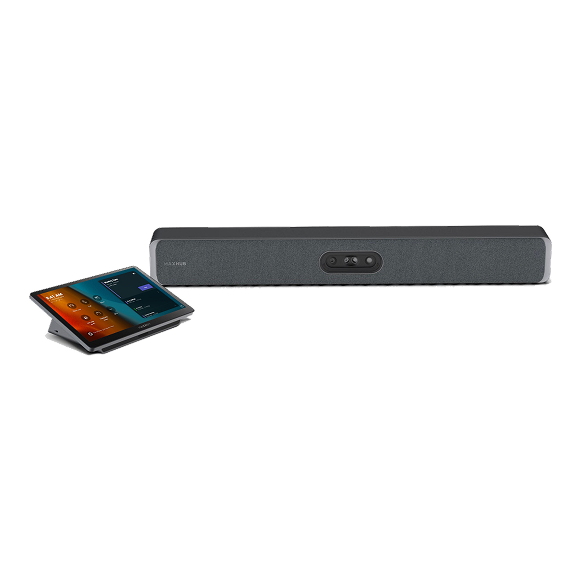
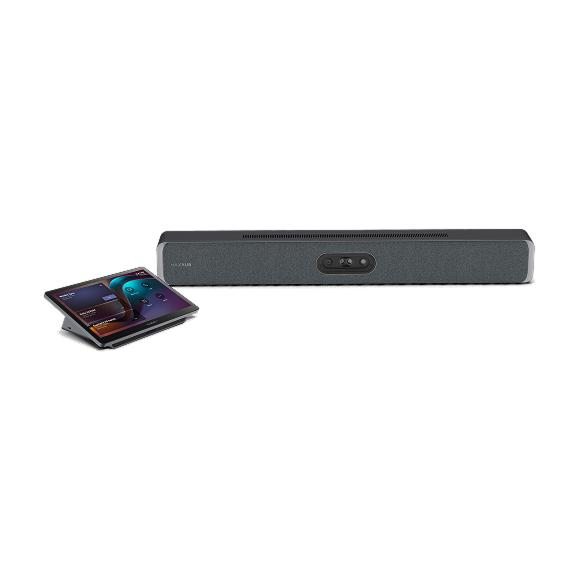
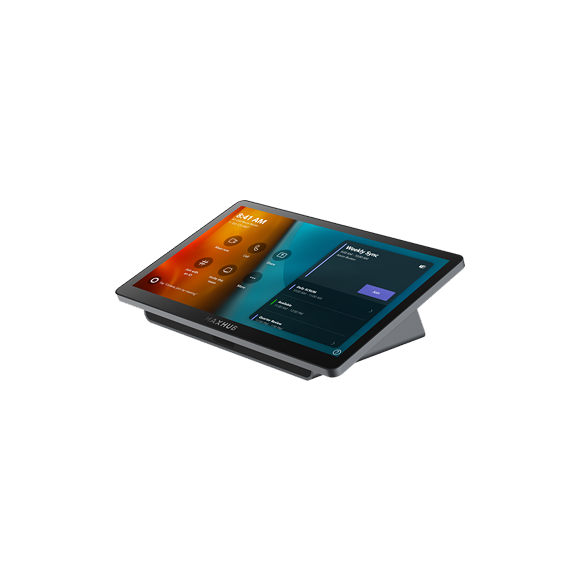
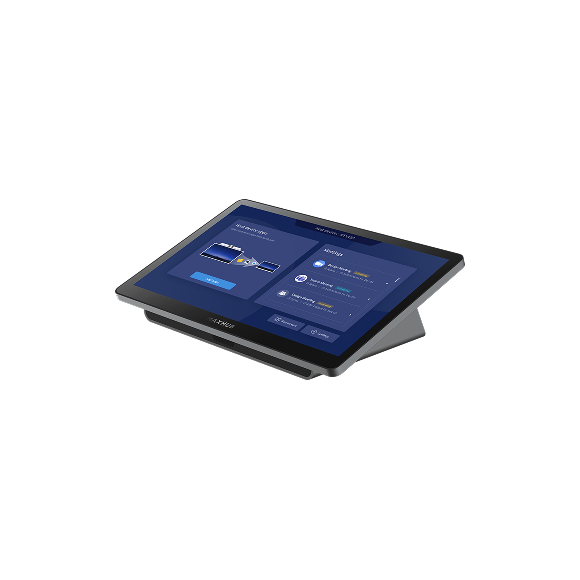
The system is also adaptable, allowing for the addition of extra touch consoles for improved room control and expansion of speakerphones for enhanced audio coverage in larger spaces.FROM OPEN SPACES TO MEETING ROOMS, YOUR FLEXIBLE MEETING SOLUTION
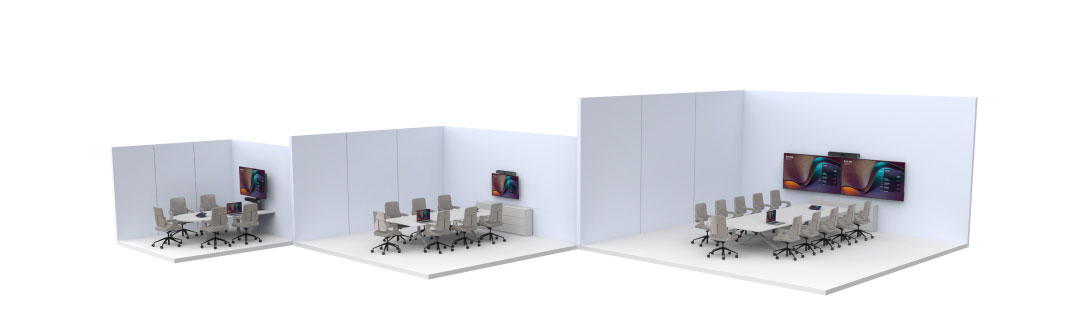
Huddle/Small
Rooms
Medium Rooms
Microsoft Signature
Rooms
Extra-large
Rooms
Open Space


3-7 People
Huddle/Small Rooms
8-12 People
Medium Rooms
6-10 People
Microsoft Signature Rooms
Up to 20 people
Extra-large Rooms
2-4 People
Open SpaceWINDOWS 11 IOT-BASED INTERACTIVE DISPLAY FOR TEAMS ROOMS
MAXHUB XBoard for Microsoft Teams Rooms provides exclusive features like SIP/H.323 calls, easy integration, enhanced security, and cross-cloud meeting capabilities, all tailored for IT managers.
MAKE VIDEO CONFERENCING FEEL LIKE NATURAL FACE-TO-FACE CONVERSATIONS
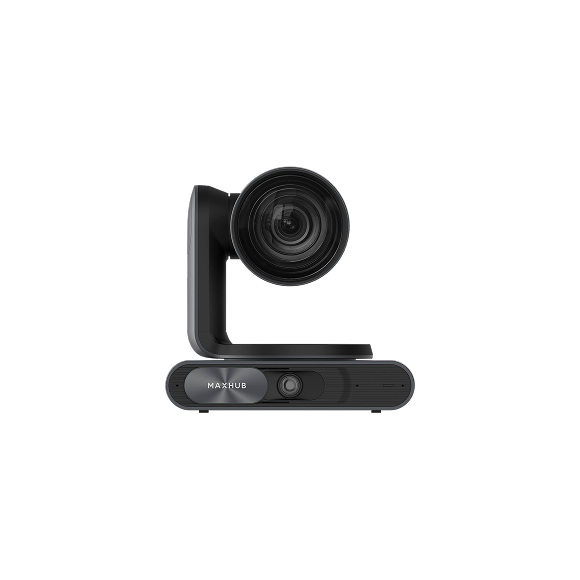
See everything, miss nothing. 50MP cameras with 2x optical and 5x hybrid zoom, combined with AI-powered viewing options, ensure every participant is seen and heard, promoting dynamic and inclusive collaboration. Transform your meeting experience with unparalleled visual clarity.

MULTIPLE SPEAKER
AUTO FRAMING
SPEAKER TRACKING
INTELLIGENT FOCUS
VIDEO FENCE
MULTIPLE SPEAKER
When multiple people are discussing, the screen splits to highlight each speaker.
AUTO FRAMING
With auto-framing, the MAXHUB XBoard display automatically adjusts to achieve the best angle based on the number of participants and their location, so it feels like a face-to-face interaction.
SPEAKER TRACKING
Speaker-tracking technology locates the sound source in real-time, ensuring the speaker is always the center of attention. It supports two active speakers with a dual focus.
INTELLIGENT FOCUS
Intelligent focus technology enables individual close-ups for multiple participants simultaneously, delivering an immersive in-person experience.
VIDEO FENCE
Take command of your meeting view with our innovative Video Fence feature. Precisely control the camera's field of view, ensuring AI tracking and focus are only applied within the designated area. Customize presets, auto-framing, speaker tracking, and other AI functions for a truly tailored meeting experience.
HEAR AND BE HEARD
AI NOISE REDUCTION
AUDIO FENCE
AI SPATIAL SOUND
OPTIONAL EXPANSION SPEAKERPHONES
AI NOISE REDUCTION
With 16 array microphones spanning a 180° wide angle and boasting a 15-meter voice pickup range, coupled with its AI Noise Cancellation technology, the MAXHUB XBoard ensures crystal-clear voice transmission for all participants.
AUDIO FENCE
Where clarity meets intelligence. Adaptive EQ modes and AI noise cancellation create a virtual sound barrier, filtering out external distractions. Experience meetings where every word matters, free from the disruptions of the outside world.
AI SPATIAL SOUND
Our system dynamically adapts to your space, providing optimal EQ modes to customize sound isolation angles, ensuring unparalleled audio quality. Guarantee clear communication for remote participants, free from external distractions.
OPTIONAL EXPANSION SPEAKERPHONES**
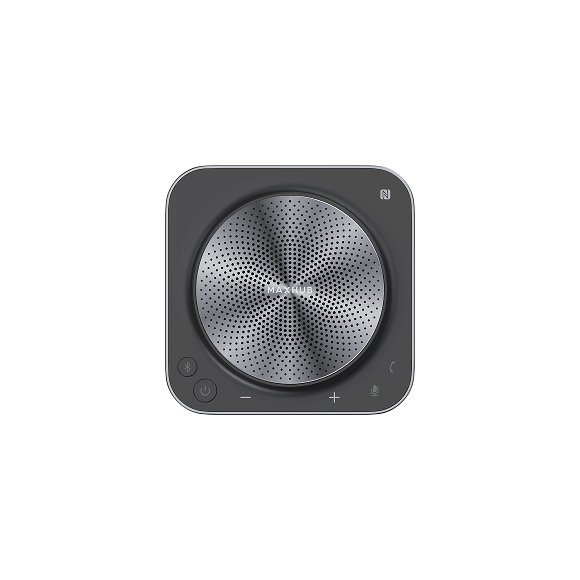
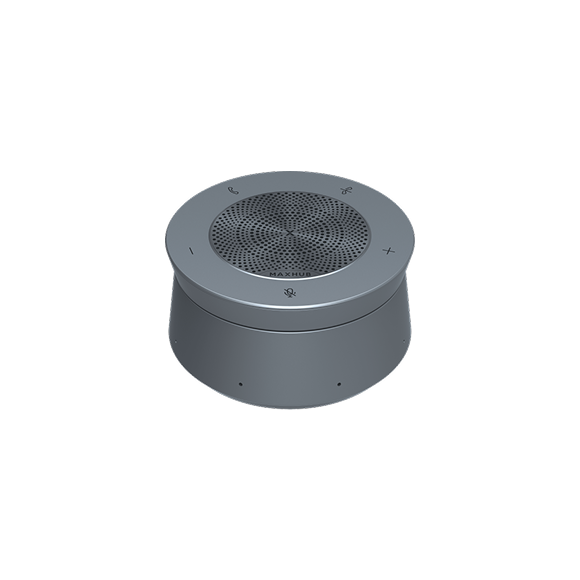
UC BM45 (up to a maximum of 3) can be daisy-chained with XBoard to accommodate meeting spaces of any size, offering the flexibility to capture every sound precisely during meetings.
Note: Please refer to the Quick Start Guide for room cabling details.
FLEXIBLE SIZES
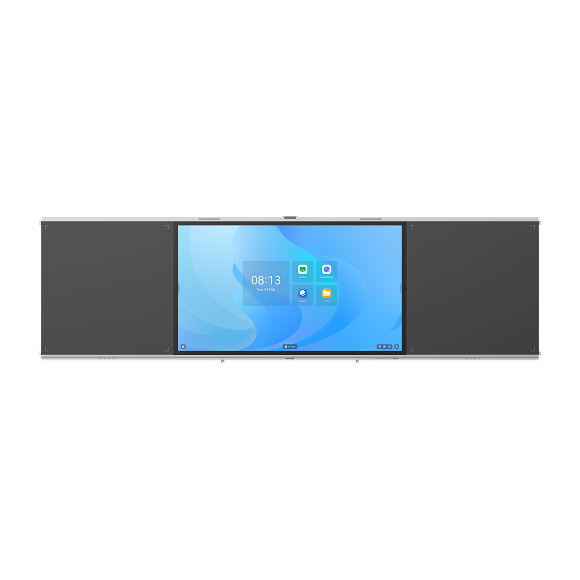
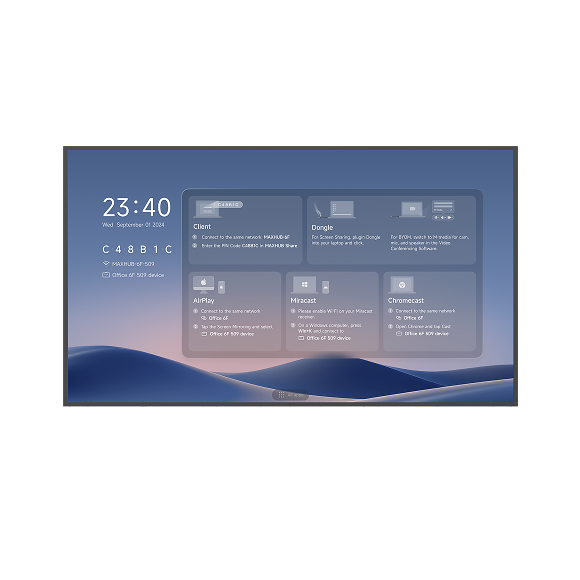
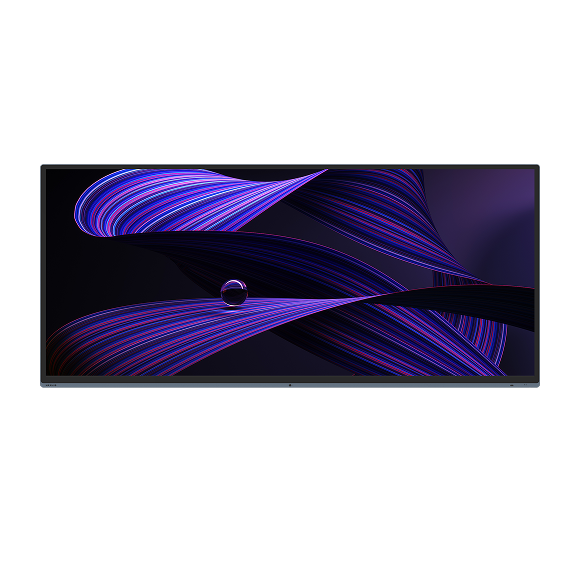
Enhanced by Signature Microsoft Teams Rooms and the innovative Front Row feature, the MAXHUB XBoard for Microsoft Teams Rooms offers a 21:9 aspect ratio with a 92" version that delivers a more immersive hybrid meeting experience. In addition to the 92" model, it also supports 16:9 ratios with 55", 65", 75", and 86" options, accommodating a variety of scenarios.

65” model
86” model
92” model
TEAM COLLABORATION, IGNITE FRESH IDEAS
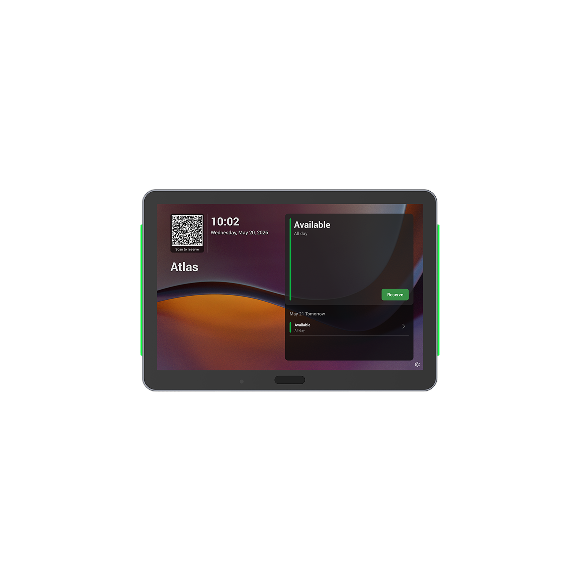
Start your whiteboard with a single click and immerse yourself in creative and efficient team collaboration. Enjoy features like pick-and-write whiteboarding, seamless one-click content sharing, and an optional on-seat touch console for enhanced meeting coordination.
WHITEBOARDING
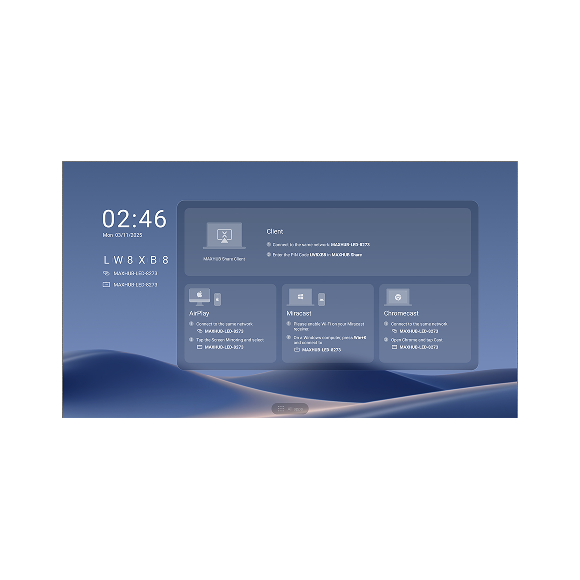
CONTENT SHARE
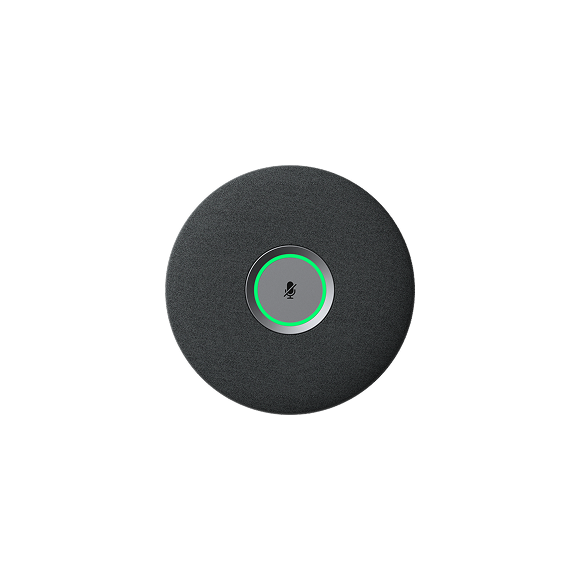
ON-SEAT TOUCH CONSOLE
COORDINATING MEETINGS
WHITEBOARDING
CONTENT SHARE
ON-SEAT
TOUCH CONSOLE
TOUCH CONSOLE
* Optional
COORDINATING MEETINGS
To learn more about coordinating meetings - go to https://learn.microsoft.com/en-us/microsoftteams/rooms/coordinated-meetings
BYOM
With BYOM (Bring-Your-Own-Meeting),
you can host meetings directly from your own device while leveraging MAXHUB XBoard's state-of-the-art audiovisual equipment for an exceptional attendee experience.
you can host meetings directly from your own device while leveraging MAXHUB XBoard's state-of-the-art audiovisual equipment for an exceptional attendee experience.
EASY DEPLOYMENT
Plug in and play effortlessly with just one cable deployment.
SIMPLE REMOTE DEVICE MANAGEMENT
MAXHUB's Pivot tool allows easy remote management and updates of room devices, boosting operational efficiency.
3-YEAR WARRANTY AND LOCAL SUPPORT FOR SEAMLESS WORKFLOW
The MAXHUB product portfolio comes with a 3-year warranty and local support. This ensures a seamless user experience and uninterrupted workflow while accommodating cost-balancing needs.
SUSTAINABILITY IN DESIGN
ENERGY STAR-certified, the MAXHUB XBoard V7 for Microsoft Teams Rooms helps you protect the environment and save costs.
SPECIFICATIONS
| Model | XBoard for Microsoft Teams Rooms |
|---|---|
| Display | |
| Surface Technology | 25% haze; Non-glare technology |
| Resolution | 3840x2160 |
| Refresh Rate | 60 Hz |
| Viewing Angle (HxV) | 178"/178° |
| Color Gamut | 90% NTSC |
| Display Orientation | Landscape |
| Response Time | 8 ms |
| Life Time | >50,000 hours |
| Operation Hours (Hour / Day) | 16 / 7 |
| Display Color | 1.07 B (10 bit) |
| Color Accuracy | Delta E ≤ 1.5 |
| Sensor | Ambient light sensor; Motion sensor |
| Connectivity | |
| I/O Ports (lnteractive Display) | |
| HDMI In (2.0) x 2 | To Connect an external source (disabled as default) |
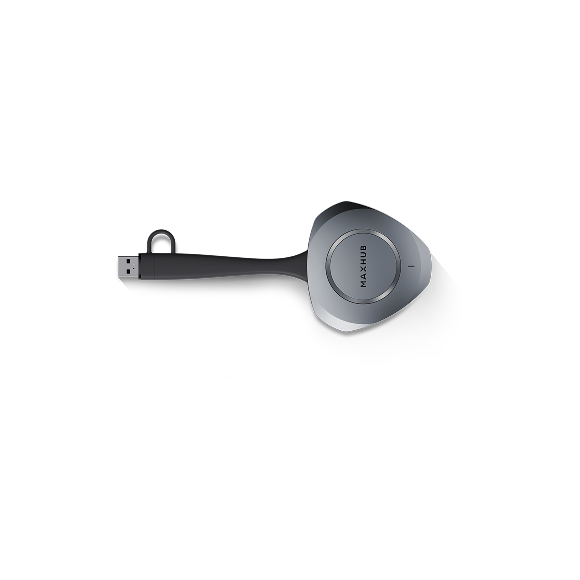
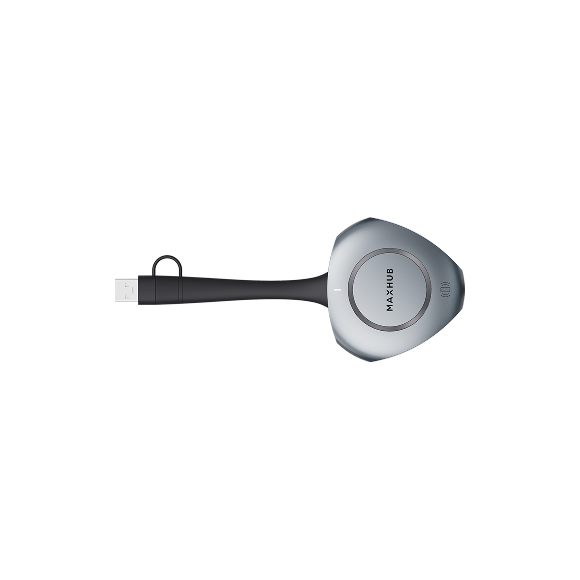
| USB-A 2.0 x 1 | To pair with wireless dongle -WTl3M/WT13S To connect keyboards or mouse, etc. |
| Audio In x 1 | To connect an external audio source to make XBoard a speaker |
| Audio Out x 1 | 3.5 mm mini-jack, to connect an external speaker system |
| RS232 x1 | 9 pin |
| Mic In (RJ45) x 1 | To Connect up to a maximum of three UC BM45 as expansion speakerphones |
| Wireless Access Point | Yes (for wireless presentation ) |
| Camera | |
| Wide Camera | 50MPx1 HFOV 86° |
| Telephoto Camera | 50MP x 2 HFOV (combined) 72° |
| Zoom | Hybrid 5x |
| Al Features | Auto framing Speaker tracking Multiple-speaker tracking Intelligent focus |
| Audio | |
| Sound Channel | 2.1 |
| Speaker Power | 2x10W+20W |
| Microphone | |
| Quantity | 16-mic array |
| Pick-up Angle | 180° |
| Pick-up Range | Best distance-8m / 26.2ft Maximum distance 15m / 49.2ft |
| Feature | Intelligent audio fence Al spatial sound AEC (Auto echo cancellation) ANC (Al noise cancellation) AGC (Auto gain control) |
| Touch System | |
| Touch Technology | Intelligent Touchscreen Technology (infrared recognition) |
| Touch Point | 50 points touch |
| Object Recognition Range | ≥1.5 mm (0.06 inch) |
| Accuracy | ±0.5 mm(0.02 inch) |
| Response Time | ≤2.5 ms |
| Writing Height | ≤ 1 mm (0.04 inch) |
| PC Module (Slot-in,included in the package) | |
| CPU | 12th gen Intel Core i5-1240p |
| GPU | Intel® Iris® Xe Graphics eligible |
| Memory | 16GB DDR4 (8GB x2) |
| Storage | 256GB SSD(M.2) |
| Operating System | Windows 11 lOT |
| TPM 2.0 | Yes |
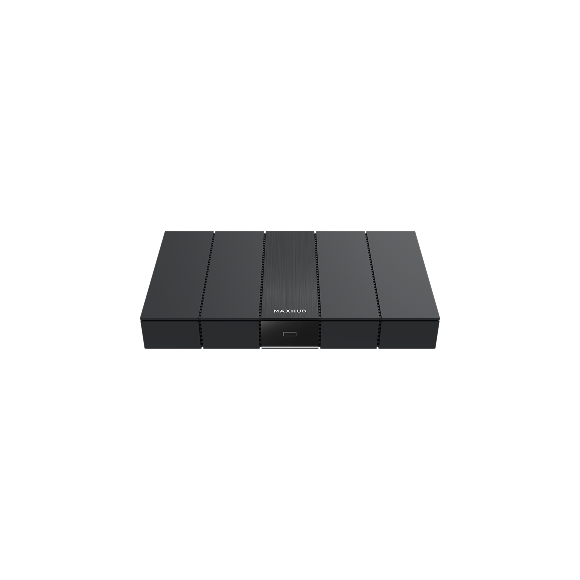
| Inputs & Outputs | USB-A 3.0 x3 HDMlIn (2.0)x1* (Content share in Teams Rooms mode) HDMI Outx2 (For future use, do not support a 2nd display in teams room mode currently) RJ45 x1(Ethernet) RJ45x1 (For optional touch console -TCP30T) |
| Wi-Fi | Wi-Fi 6 |
| Bluetooth | Bluetooth 5.1 |
| * NOTE: HDMl In x 1(content share in Teams Rooms mode): Available in Q42024. | |